How to Pick Your Senders
Last updated: December 5, 2025
Choosing the right senders is an important part of setting up high-performing campaigns in AiSDR. This guide outlines how to select appropriate team members to act as senders for both email and LinkedIn outreach.
Who Should Be a Sender?
When selecting senders, consider team members who:
Are comfortable participating in outreach under their own name
Are willing to connect their LinkedIn accounts to enable automated connection requests and messaging
Important: The sender you select doesn’t have to be you. During campaign setup, you can choose to send on behalf of another person by selecting their mailbox.
Note: Senders do not necessarily need to manage campaign setup themselves. There are two options:
Each rep can manage their own campaigns
You can manage campaigns on their behalf — in this case, only their name and mailbox setup are required. You’ll still have access to their account for full visibility and control.
The sender selection is handled during the campaign setup stage.
When to Use Dedicated Mailboxes
If different team members are responsible for specific regions, industries, or customer segments, it’s recommended to assign dedicated mailboxes to each. This ensures that outreach remains personalized and contextually aligned with the sender’s area of focus.
Next Step: Requesting Mailboxes
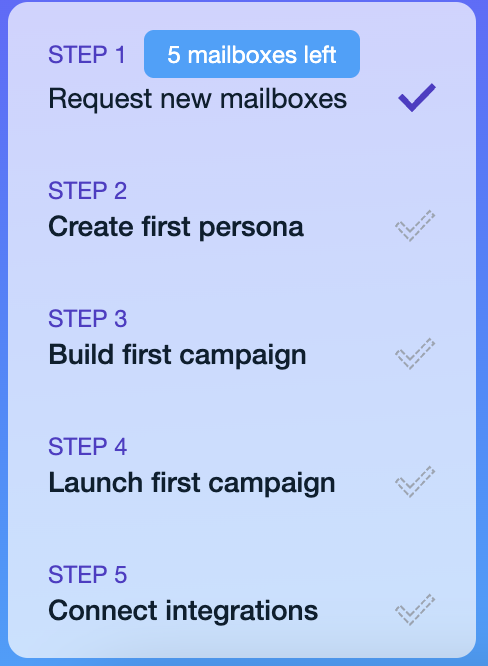
Once senders have been identified, the next step is to request mailboxes for them. This can be done in Step 1 of the onboarding process when logging into the platform.