How to Create Word-for-Word Emails and LinkedIn messages
Last updated: September 22, 2026
If you’d like to configure a word-for-word prompt, follow these steps:
1. Open the Messaging Questionnaire.
2. Scroll to the bottom of the page and select Use word-for-word sequence.

3. Upload a file containing your sequence, or paste the email/messaging copy into the provided field.
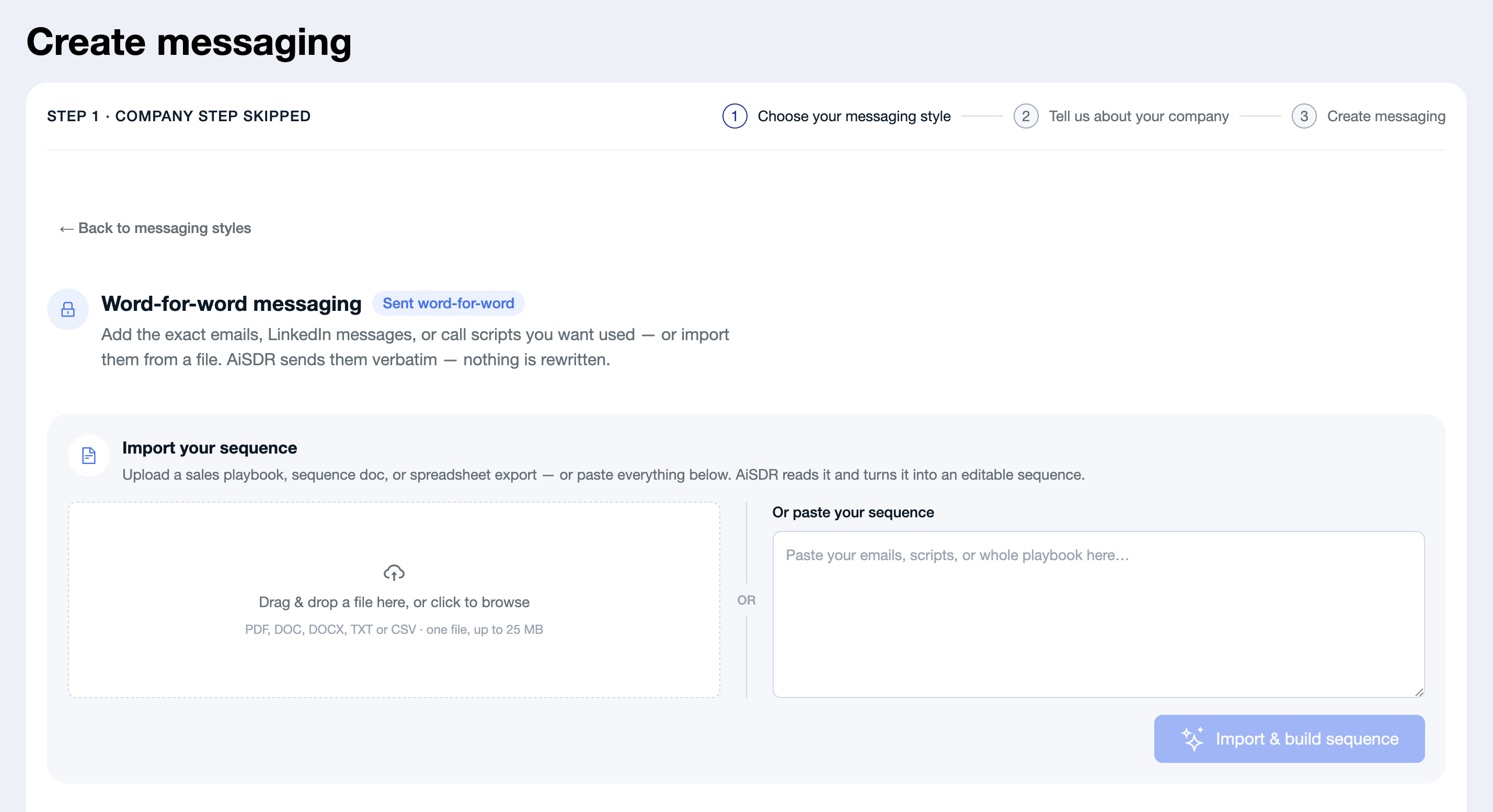
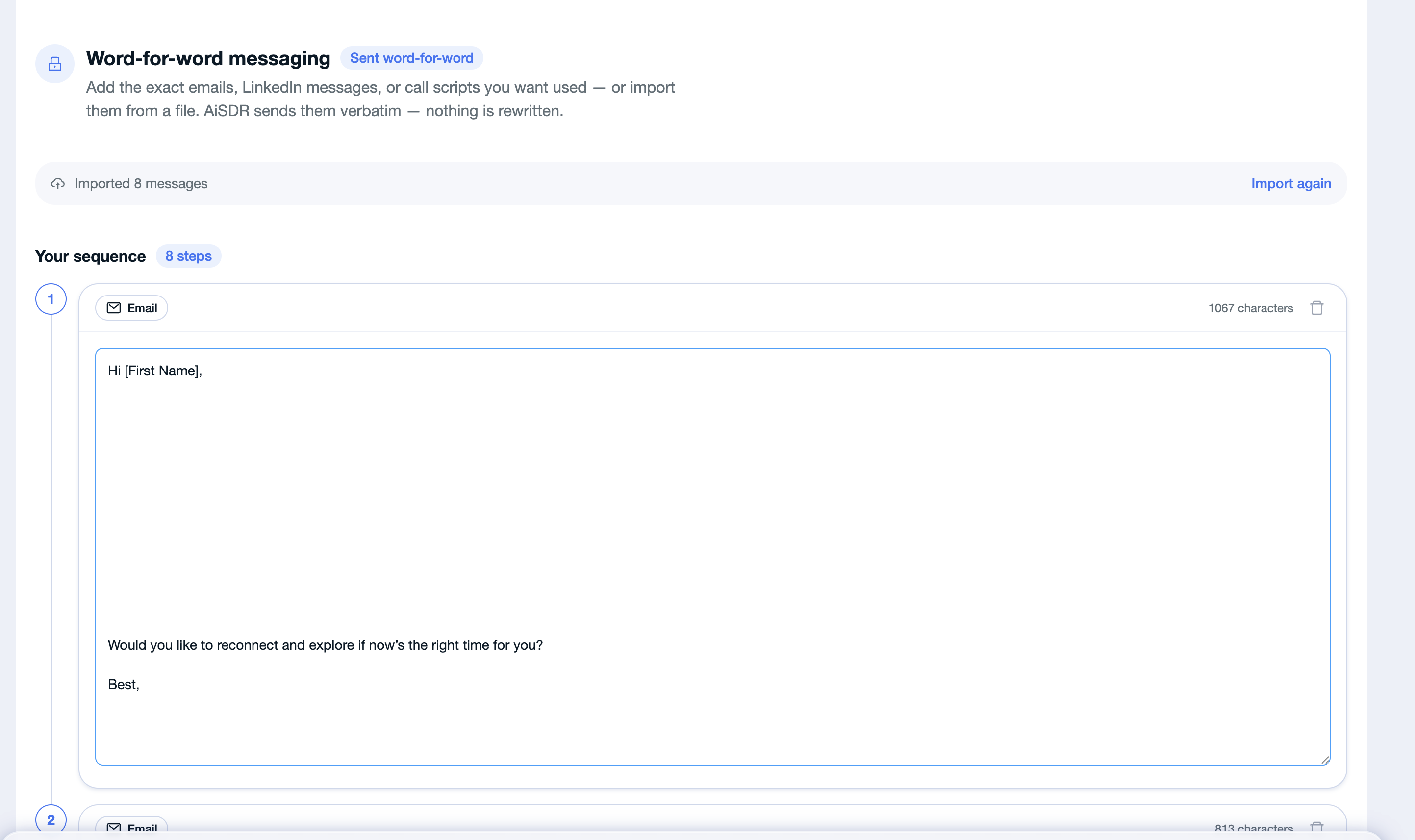
4. Wait while AiSDR processes your sequence. Once processing is complete, review the suggested sequence structure.
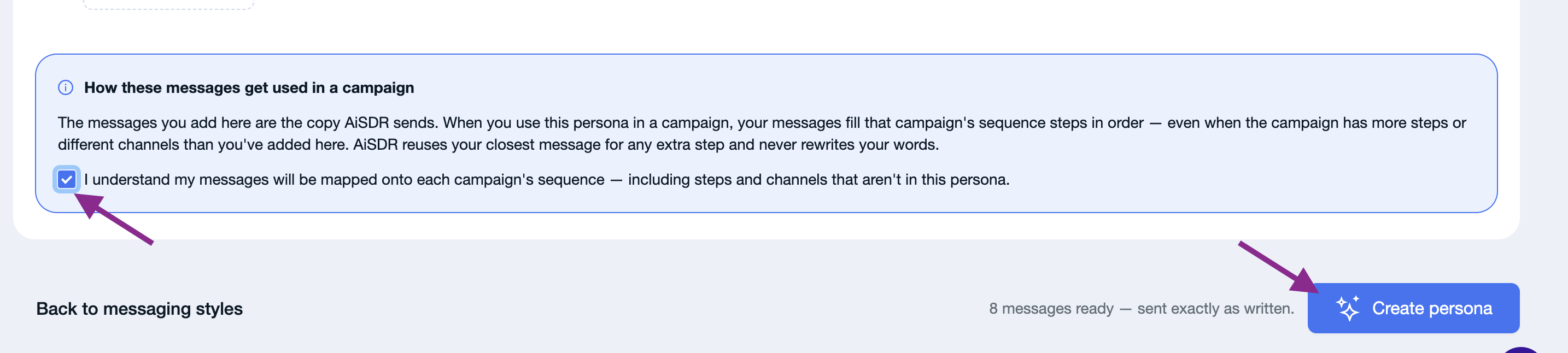
5. Confirm that you understand how the messages will be used in your campaign, then click Create.
6. Wait until the sequence status changes to Ready.

7. Once the sequence is ready, connect it to a campaign and test it before launching.