How to Create Emails Based on Your Template
Last updated: July 21, 2026
If you’d like to configure a prompt that follows your message template closely, follow these steps:
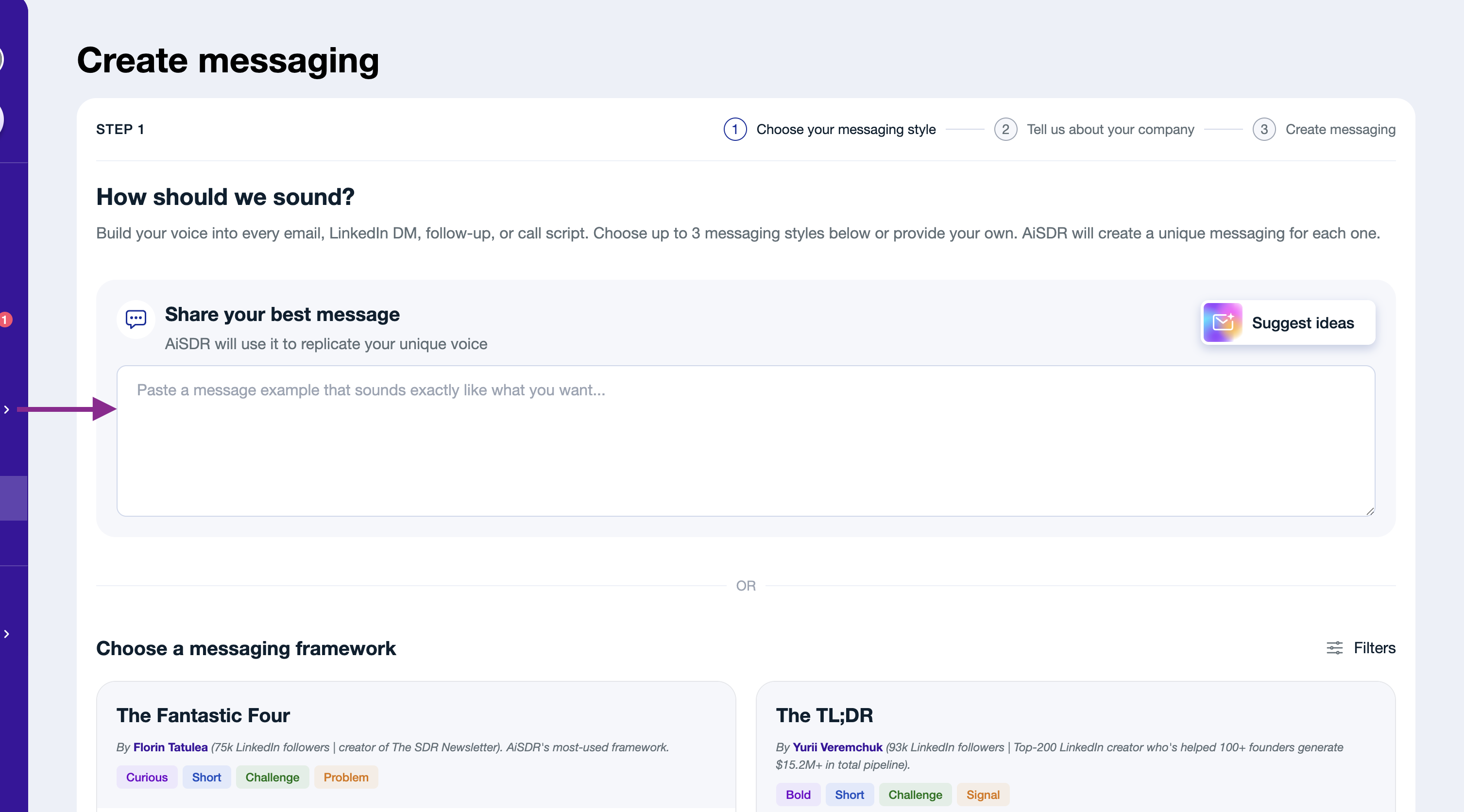
1. Open the messaging questionnaire.
2. Select Custom template.
3. Paste your preferred email structure into the provided field.
4. Complete the questionnaire fields and add all the relevant context you want reflected in the messaging about your company. Once everything is ready, click Create messaging.
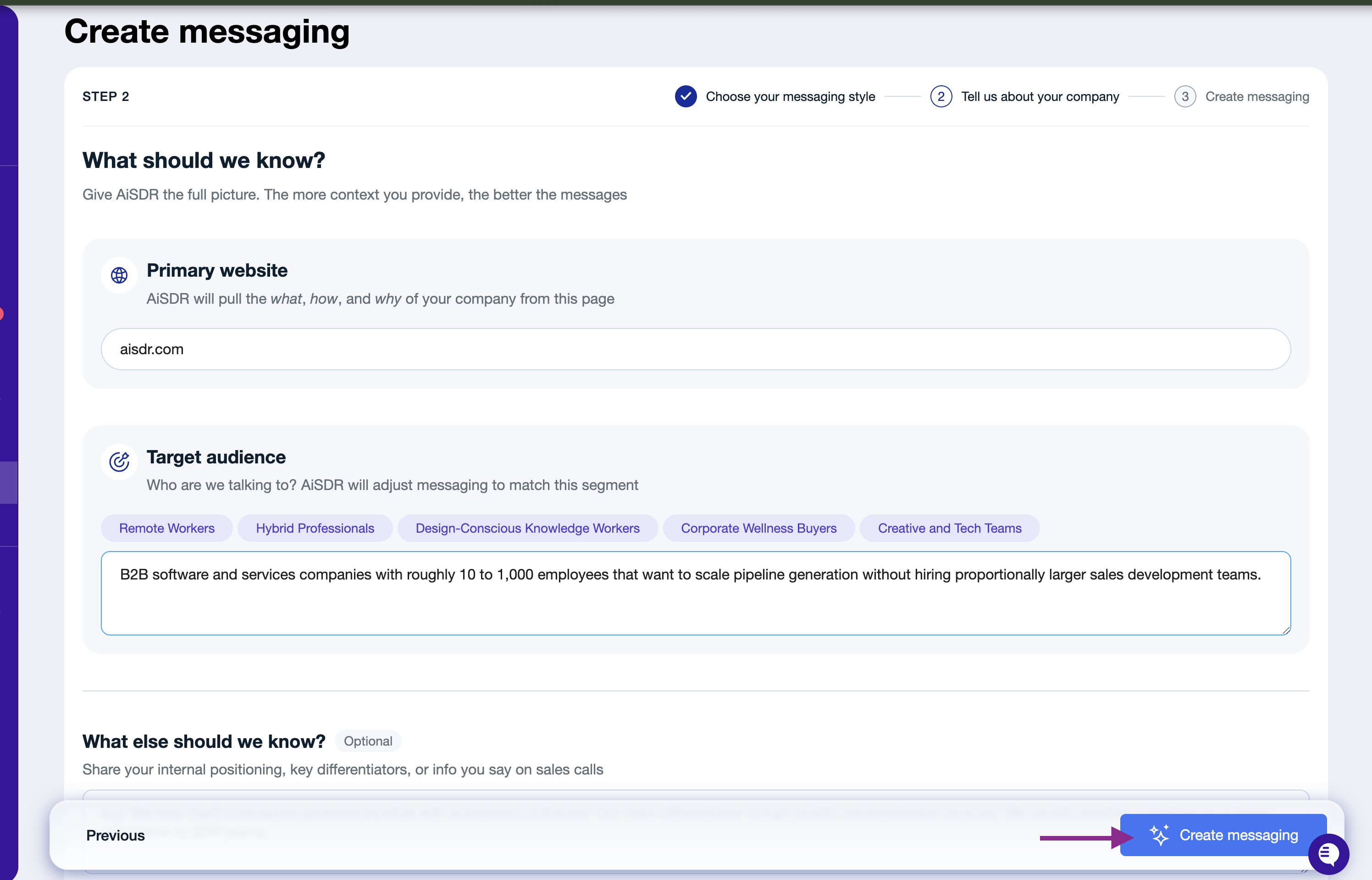
5. Wait for your messaging persona and templates to be generated.
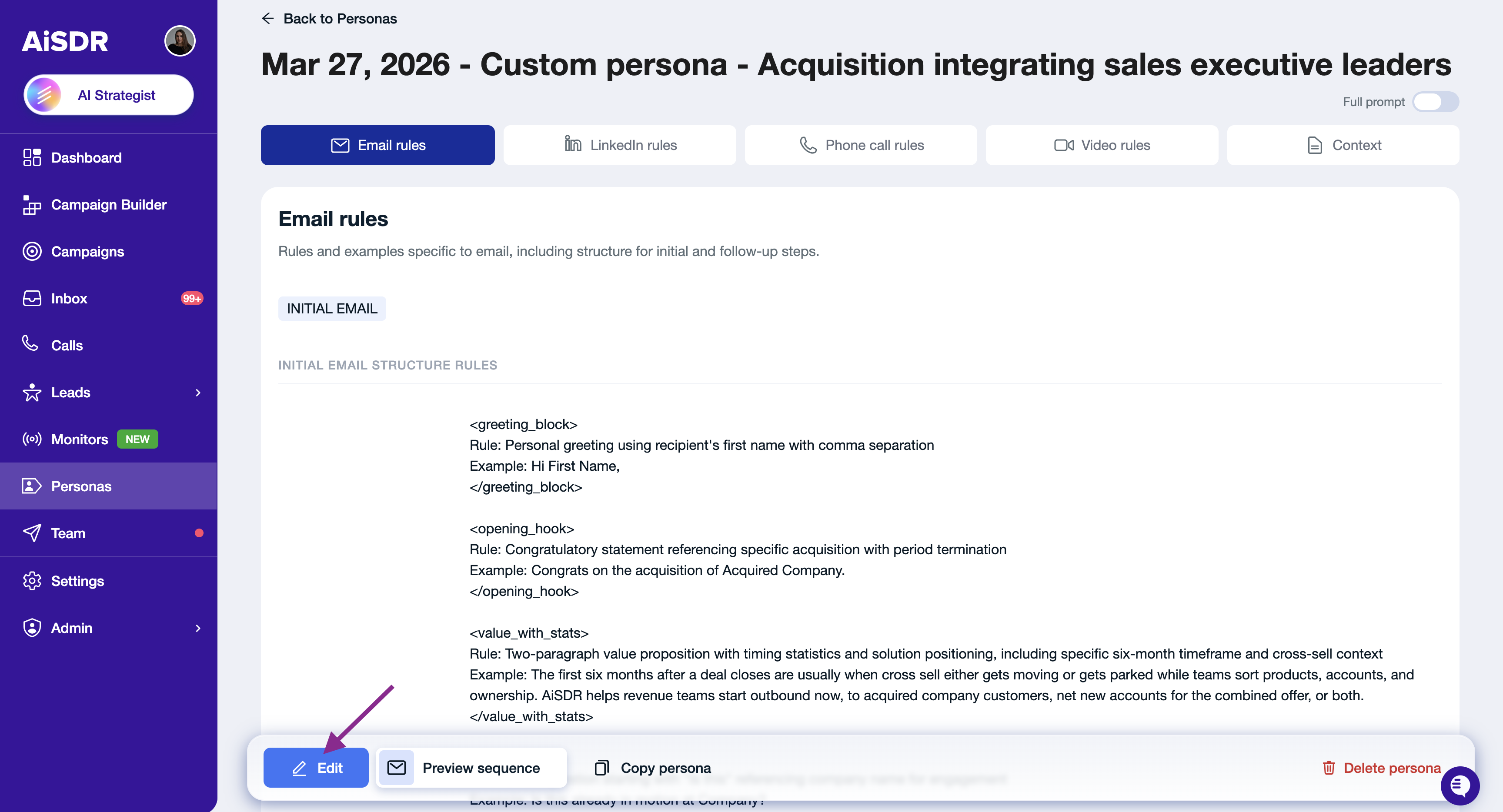
6. Once the messaging is ready, open the generated template and review it. You can edit any messaging instructions or templates as needed.
Make sure to click Save to apply your changes.
Want AiSDR to use your exact email copy without adapting it? Read:📄 How to Create Word-for-Word Emails