How to create word-for-word emails
Last updated: May 20, 2026
If you’d like to configure a word-for-word prompt, follow these steps:
1. Go to the questionnaire: https://app.aisdr.com/messaging/new
2. Select the Custom template.
3. Paste your preferred email structure into the provided field.
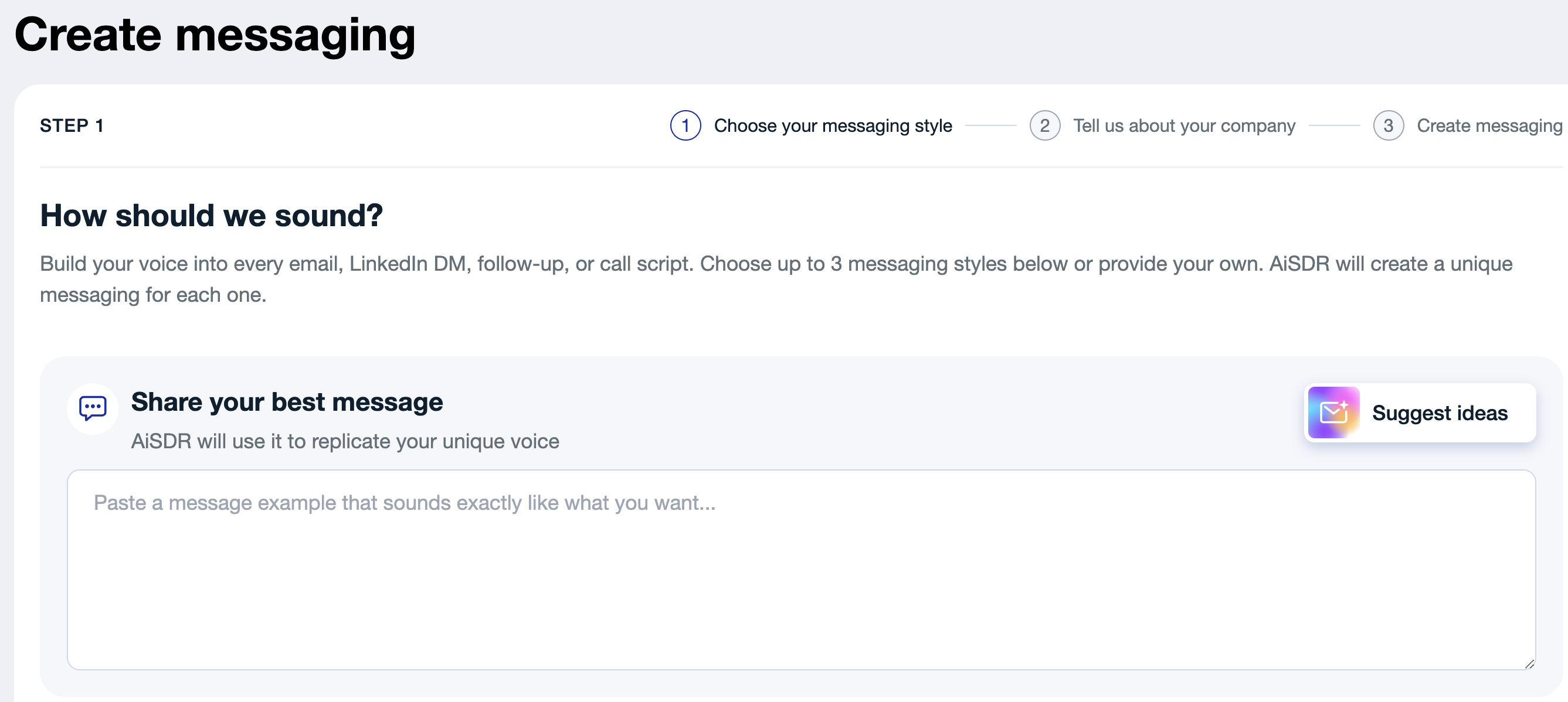
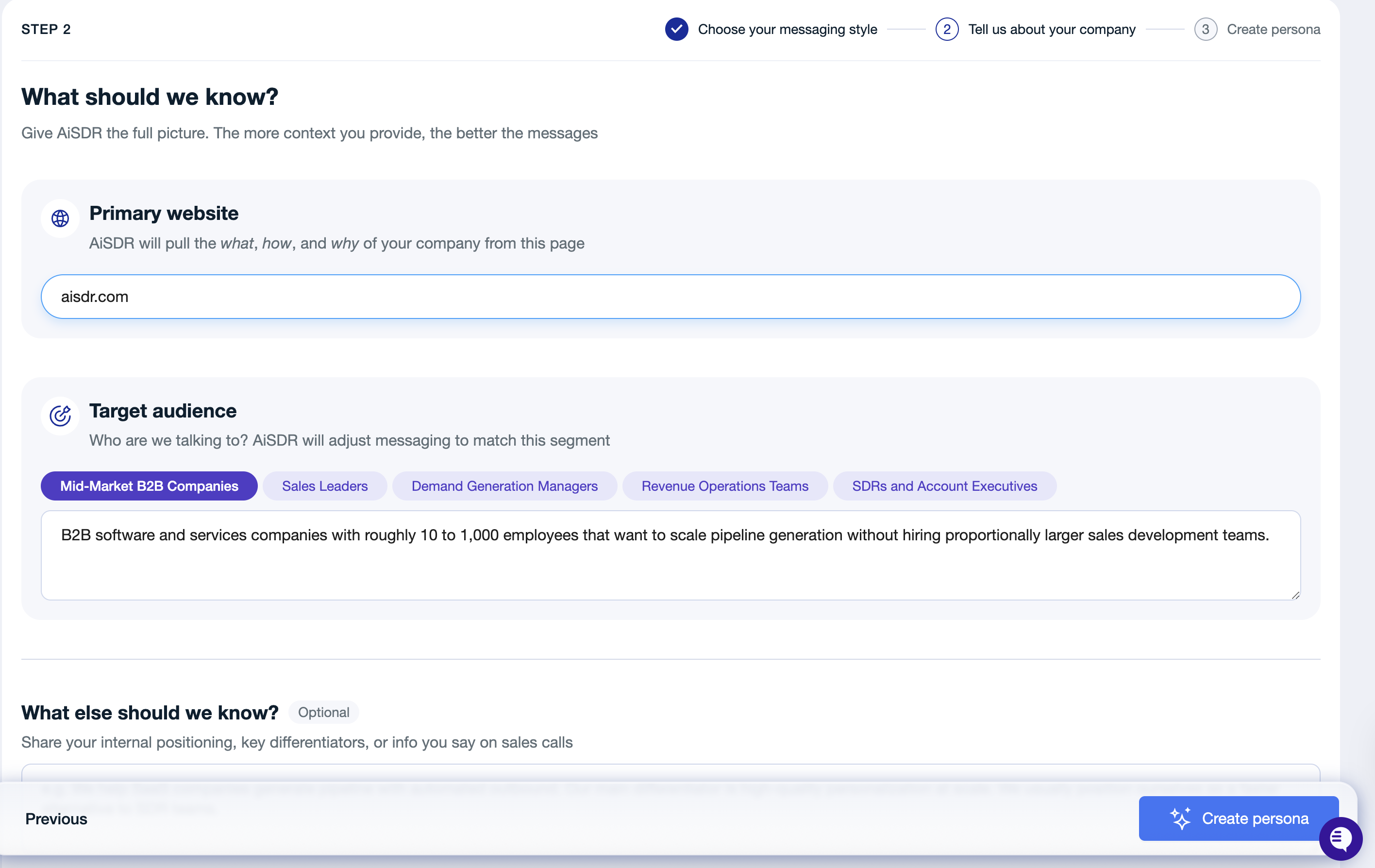
4. Fill in the remaining details as usual > hit Create messaging > wait for your persona to be generated.
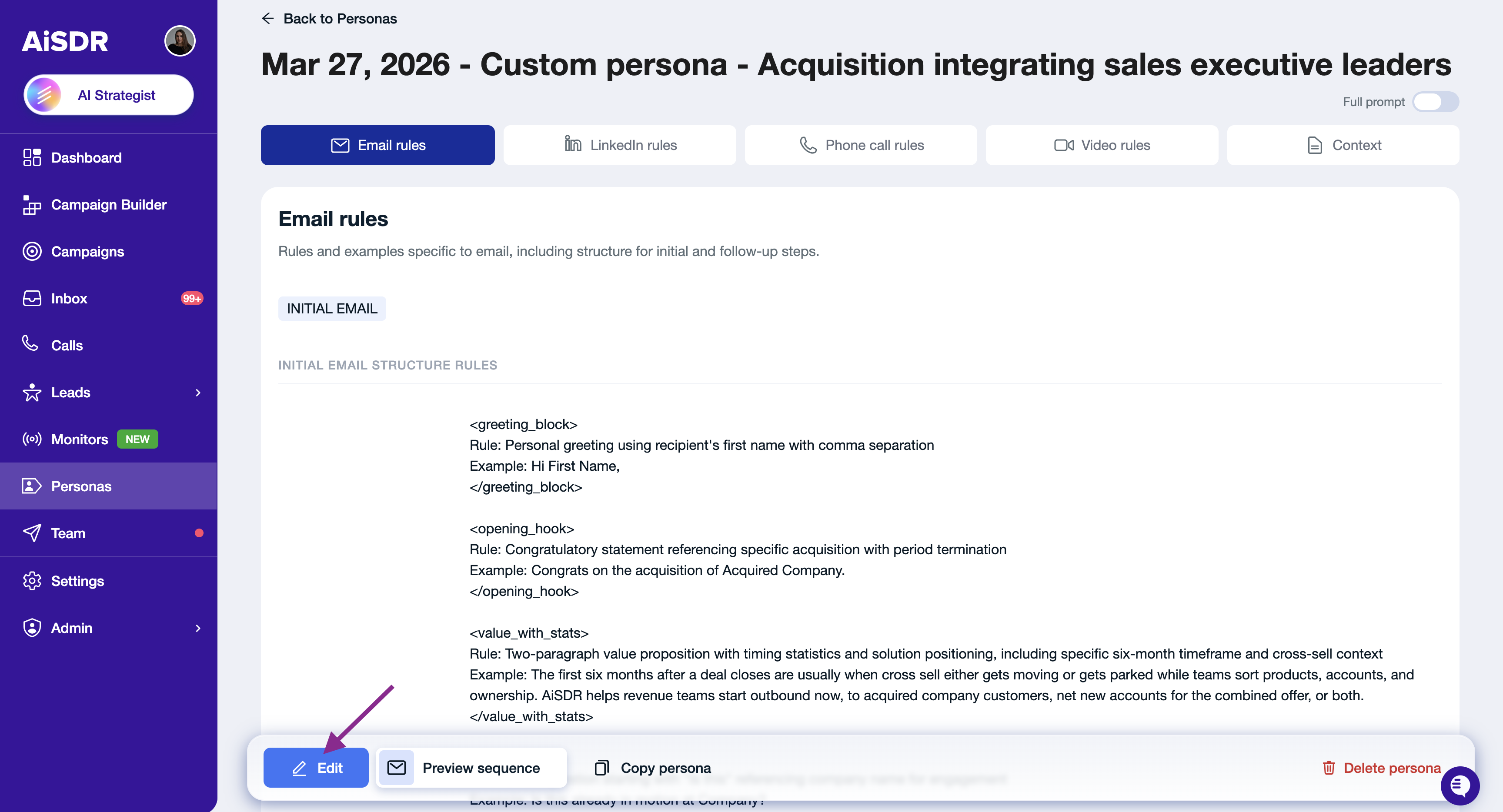
5. Once the messaging is ready, open it and click Edit.
6. In the Context tab, find Custom instruction section
Add your rule there, for example:
ALWAYS FOLLOW "Email style example" SECTION WORD-FOR-WORD.
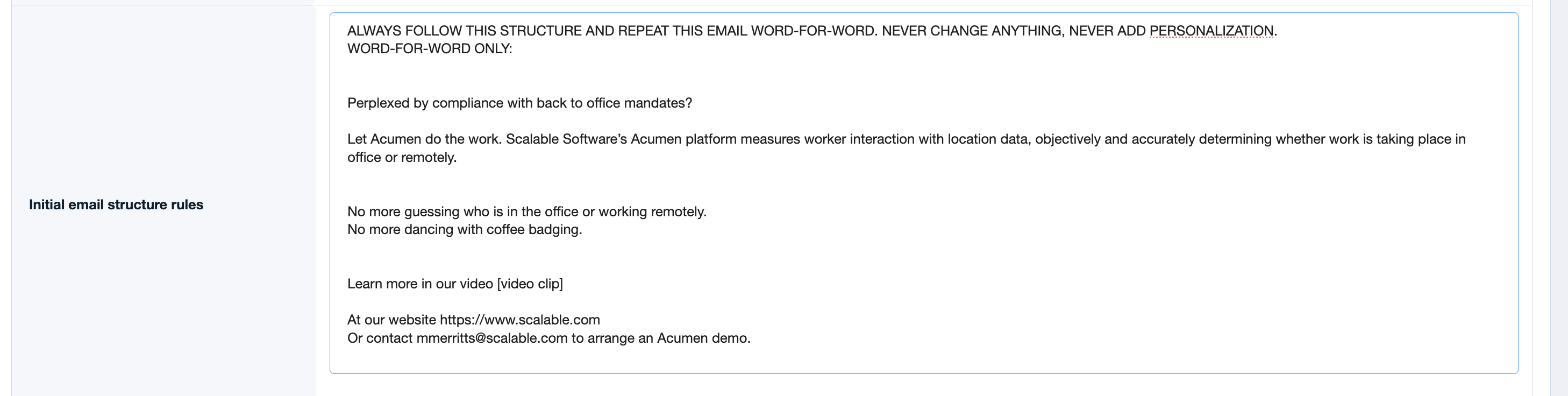
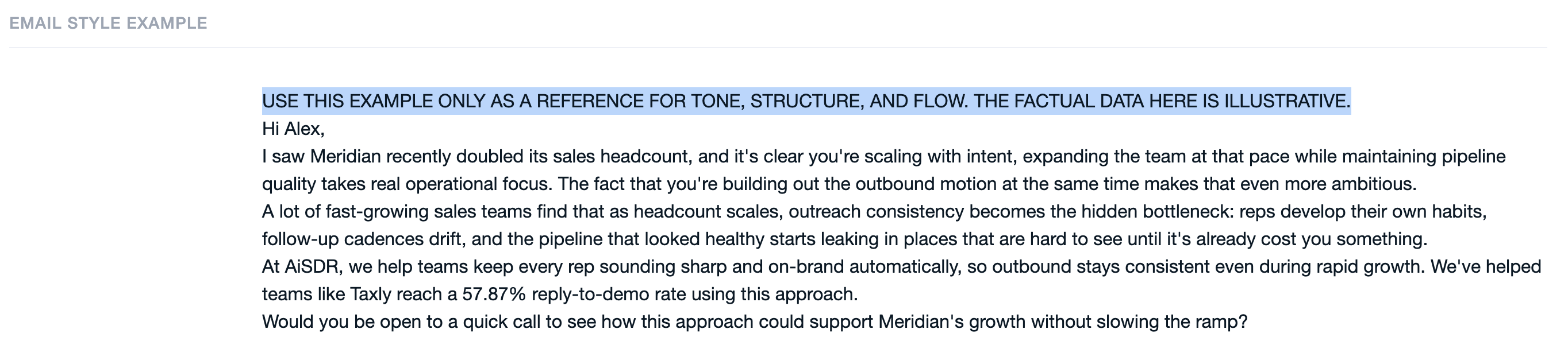
Under Email Style Example, you will see the template you originally added during setup. Remove "USE THIS EXAMPLE ONLY AS A REFERENCE FOR TONE, STRUCTURE, AND FLOW. THE FACTUAL DATA HERE IS ILLUSTRATIVE." sentence.
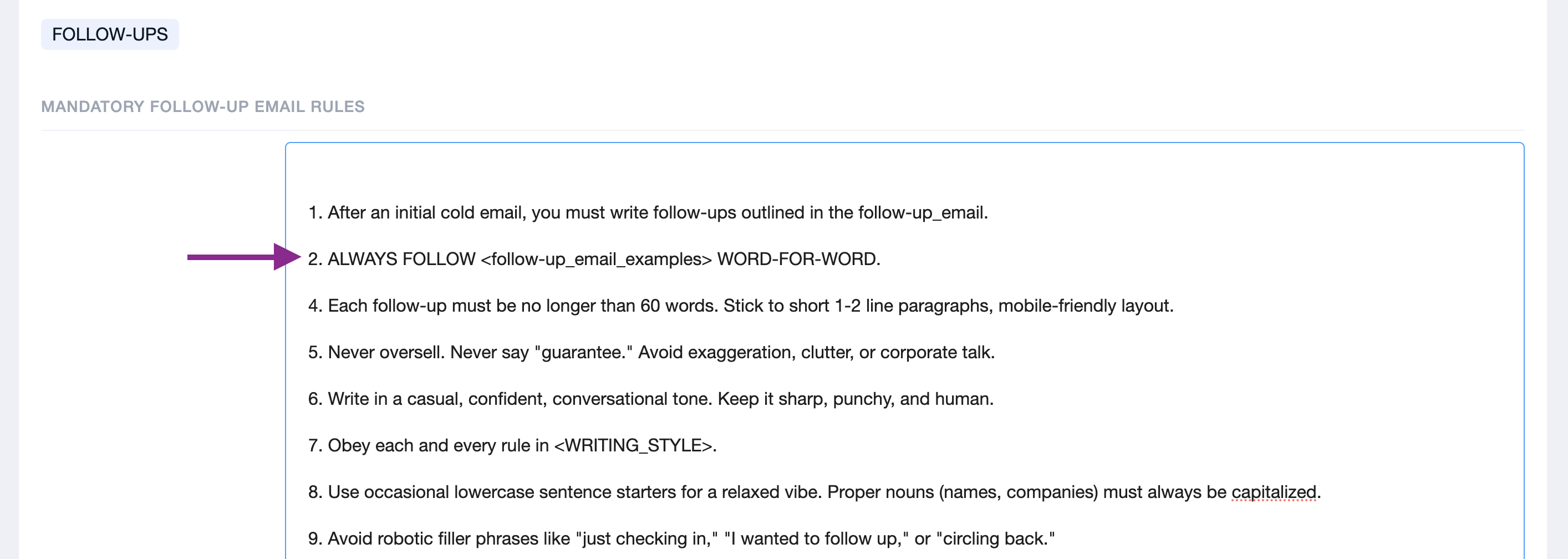
8. Feel free to add a similar rule in the Mandatory Follow-Up Email Rules section, for example: ALWAYS FOLLOW "follow-up_email_examples" WORD-FOR-WORD
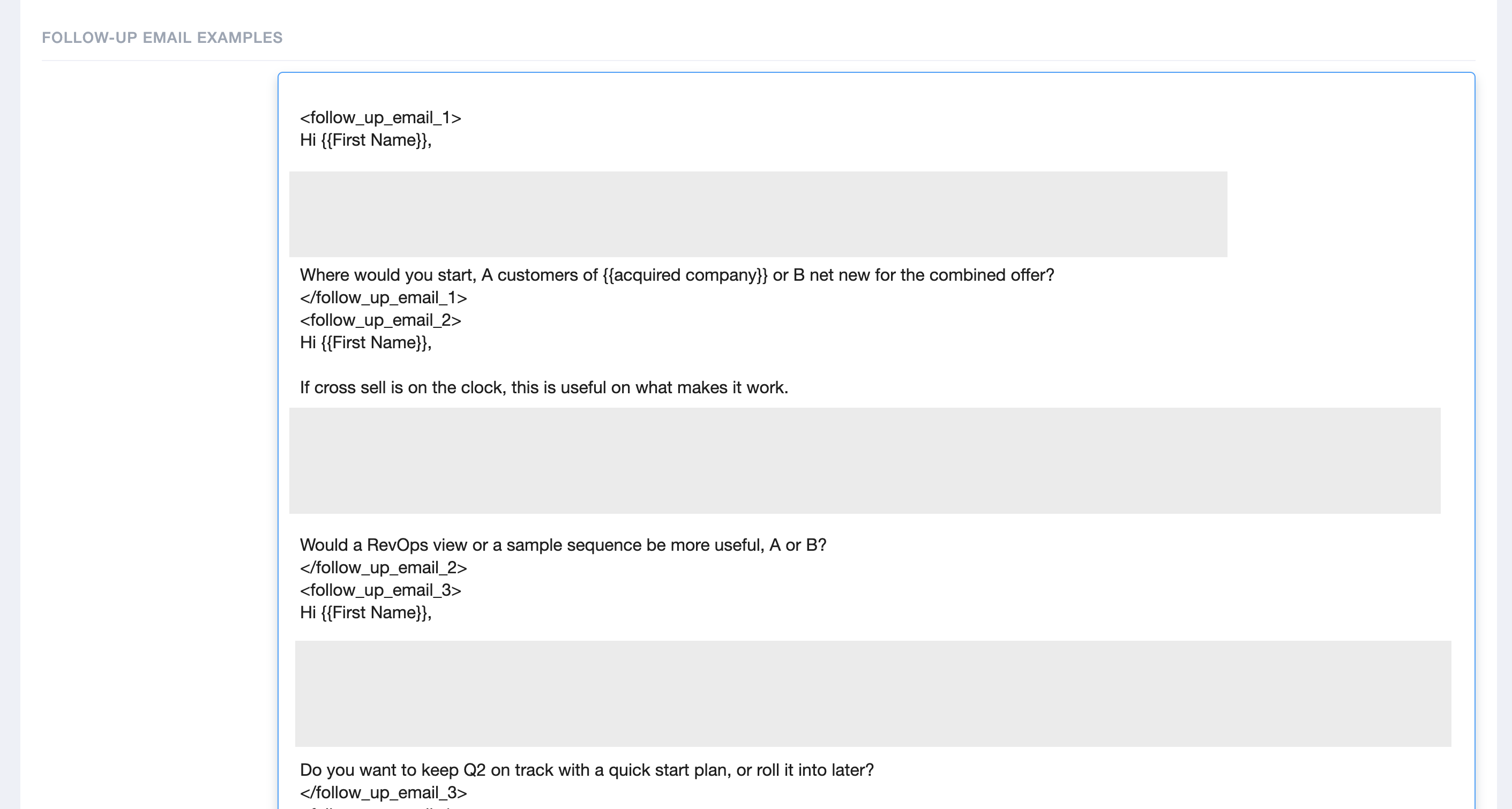
You can also update the follow-up email examples under Follow-Up Email Examples section.
9. Save your changes.