Which Messaging Sections Should You Review Before Launching a Campaign?
Last updated: May 20, 2026
Before you hit the Launch button on your campaign, it’s essential to make sure your Messaging in AiSDR is fully aligned with your goals.
Here is what the editable section looks like:
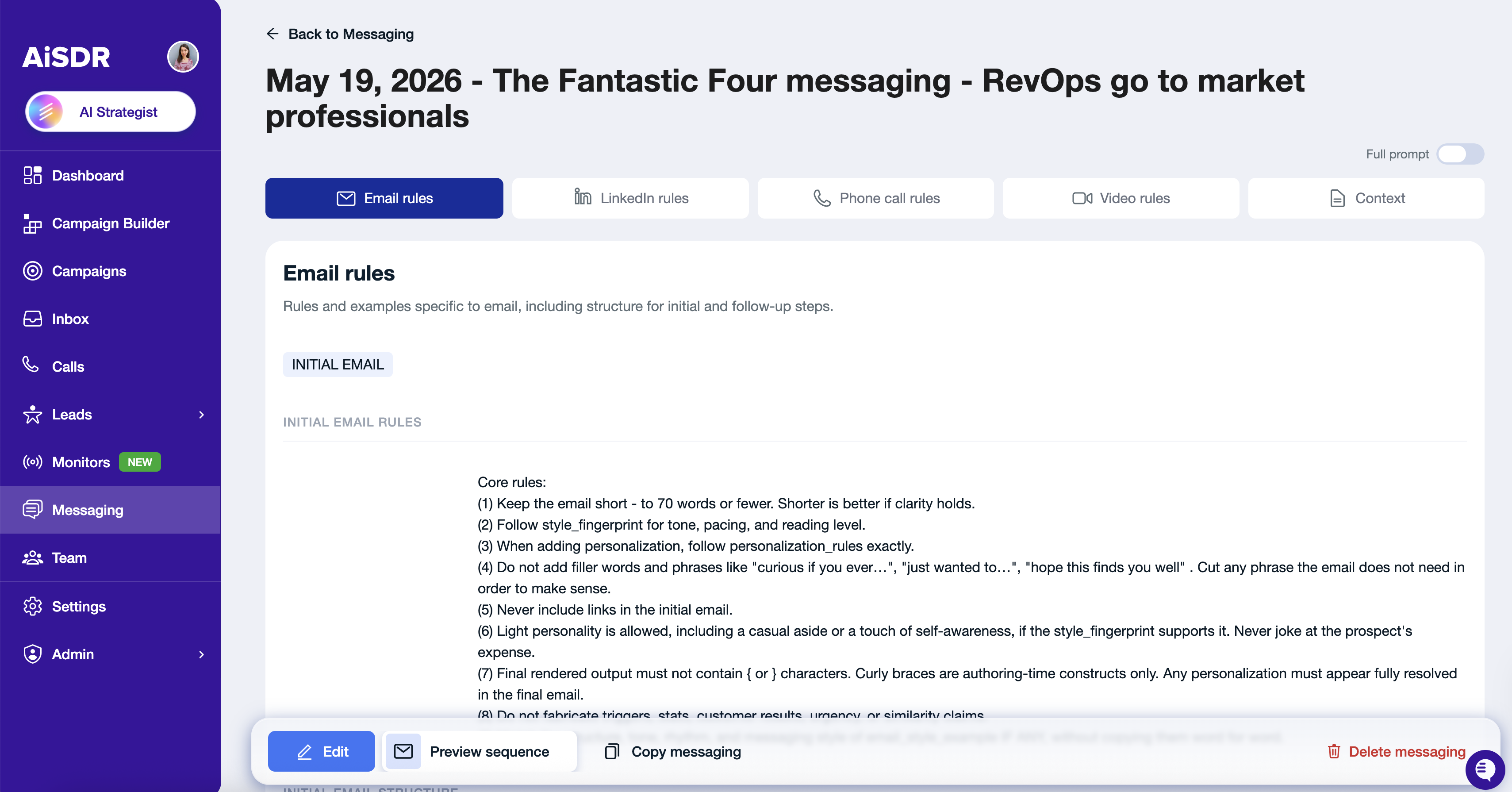
Below is a section-by-section guide on what to check:
Email Rules
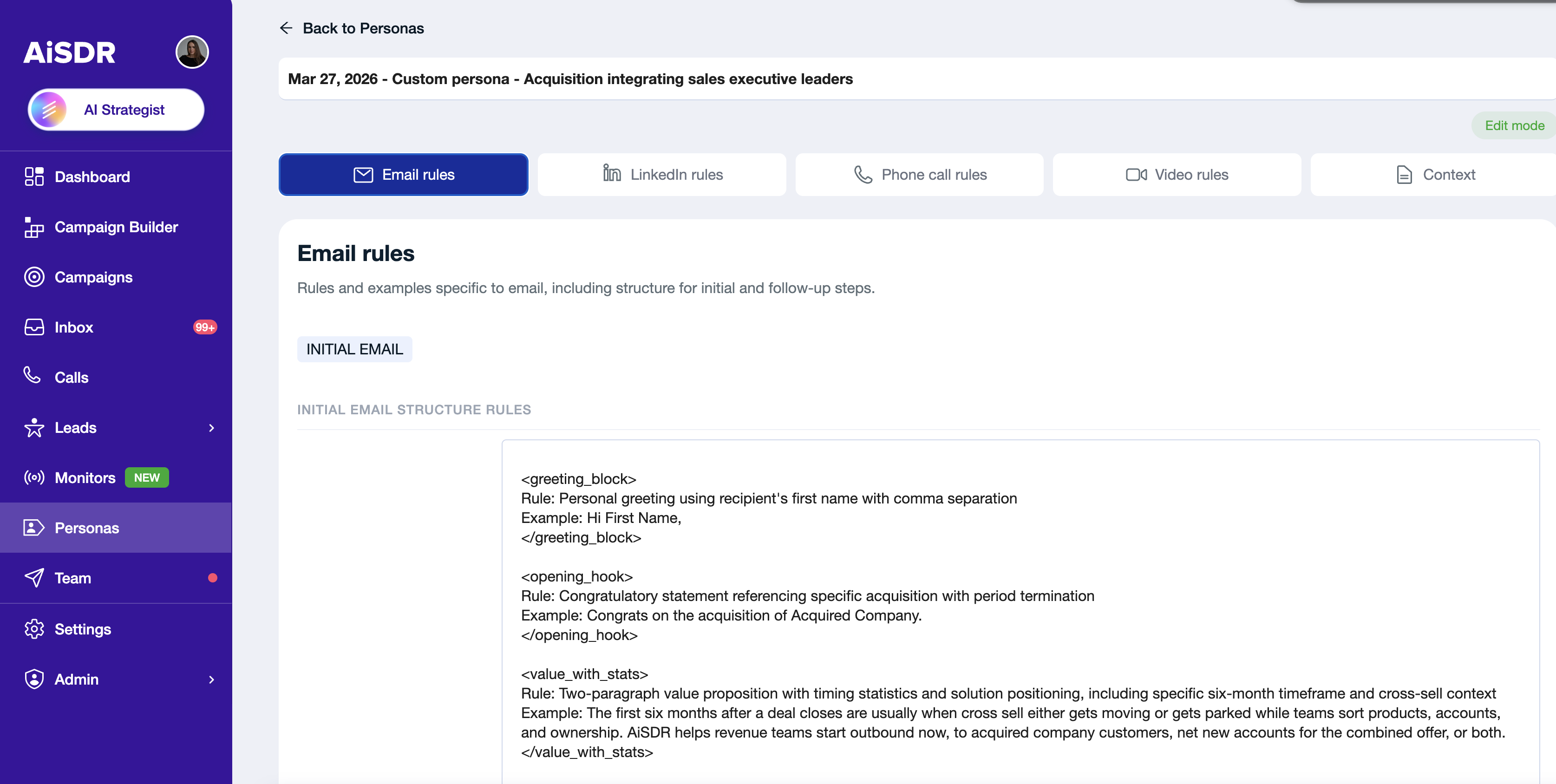
1. <initial_email_structure> (Very Important!)
Why review it? This determines how your first email will be structured - the most important part of your outreach.
What to check:
Review each step/paragraph of the email.
Ensure the tone, style, and flow match your brand voice.
Add specific rules if you want AI to adjust certain sections for different leads.
You can also check out separate article that describes this section deeply.
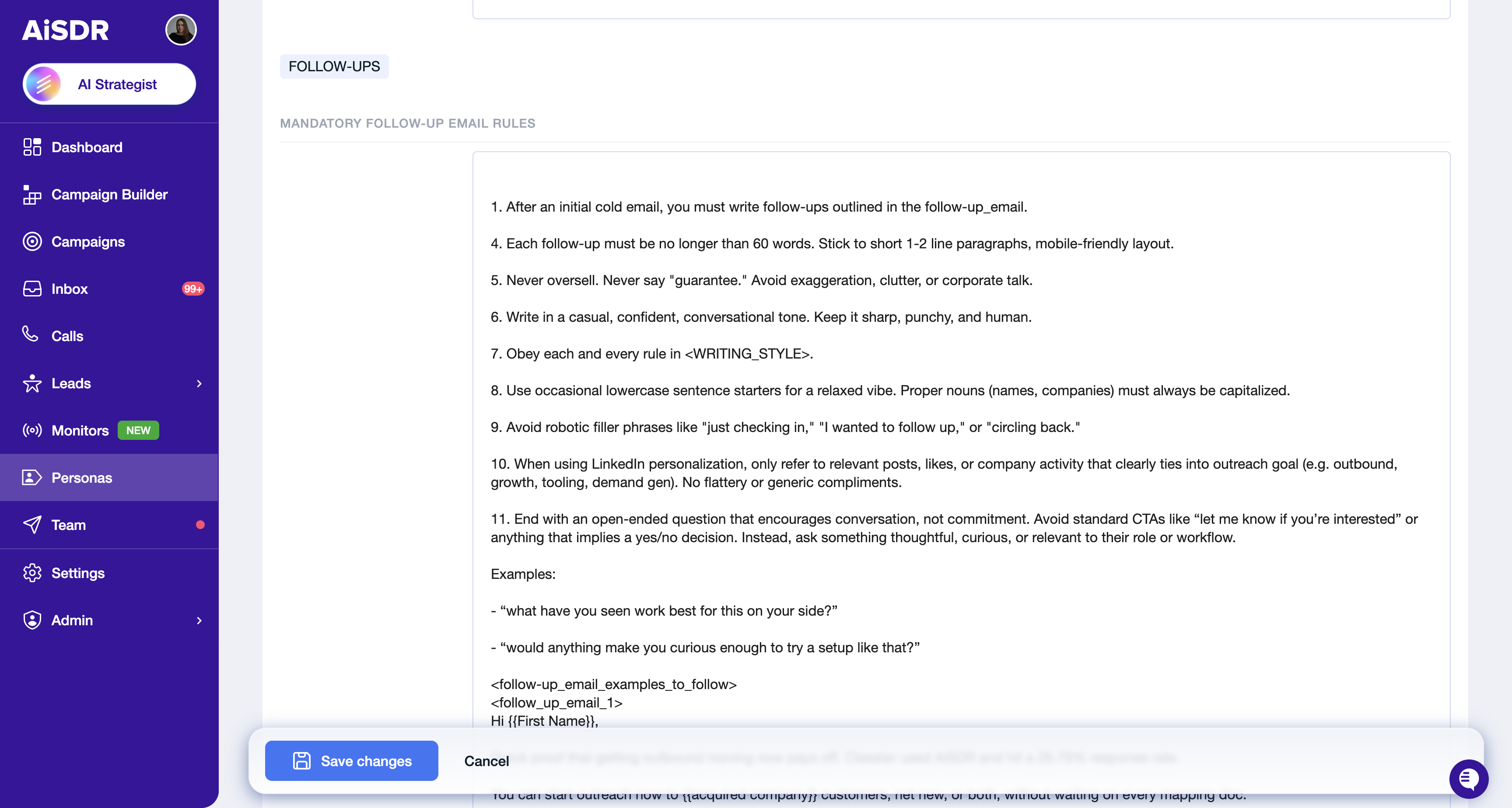
2. <mandatory_follow_up_email_rules> (Very Important!)
Why review it? These rules define which follow-up emails are sent and when.
What to check:
Adjust for different audience engagement levels.
Remove any outdated follow-up logic.
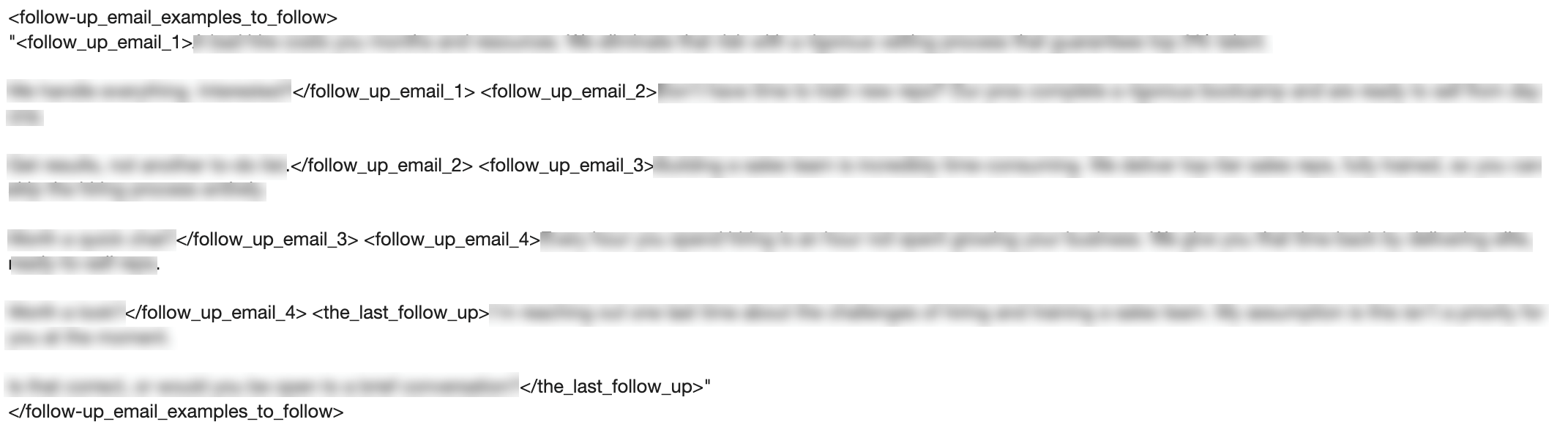
3. <follow-up_email_examples_to_follow>
Why review it? AI uses these as inspiration for crafting follow-up messages.
What to check:
Make sure examples align with your tone and goals.
Replace outdated examples with more effective ones.
Context Section
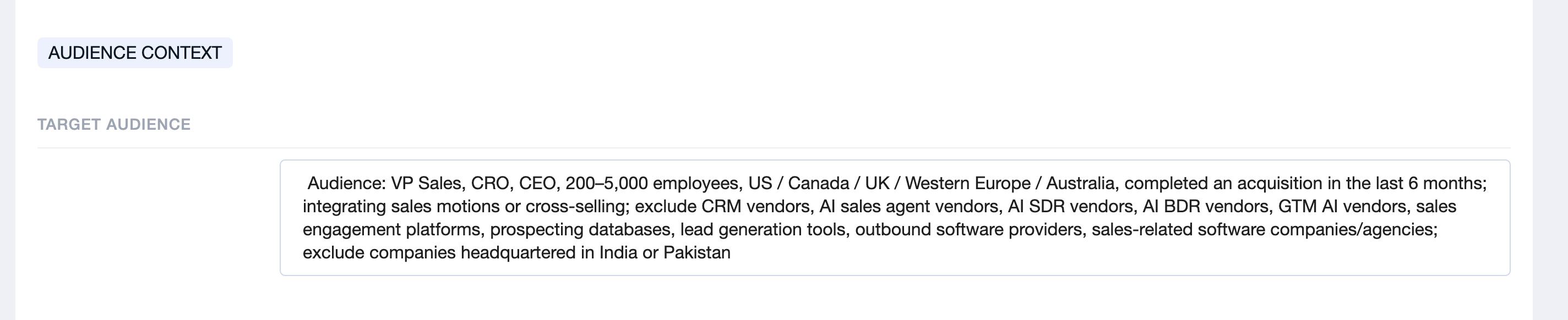
1. <target_audience>
Why review it? This defines the exact group of people your campaign will target.
What to check:
Ensure it aligns with your campaign’s audience.
Update any details if your target market has shifted.
Be specific — AI uses this to craft relevant messages.
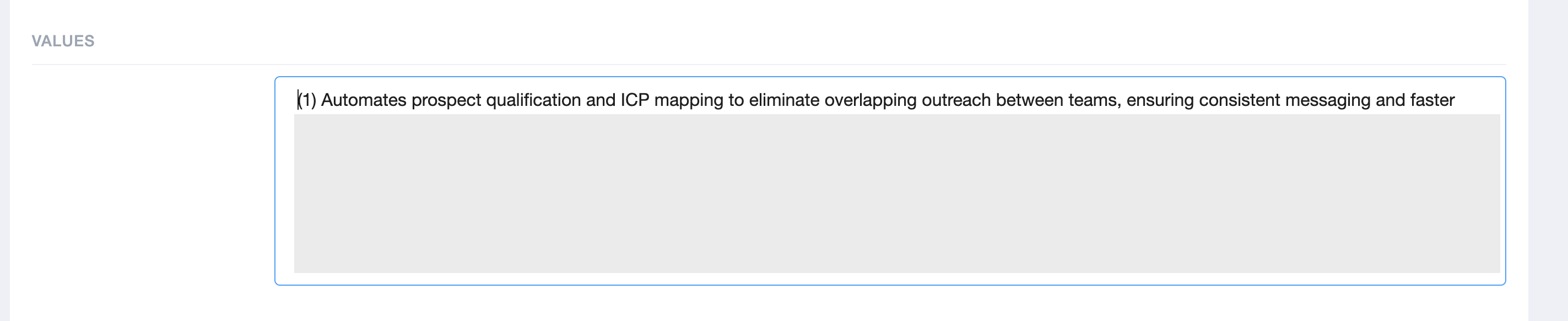
2. <values>
Why review it? Your company values influence how you present yourself and build trust.
What to check:
Make sure your company’s values are listed accurately.
Add any new values that have emerged.
Ensure they align with the tone and positioning of your campaign.
3. <case_studies>
Why review it? Case studies provide credibility and proof to your prospects.
What to check:
Verify the case studies are the ones you want to showcase in this campaign.
Remove outdated or irrelevant examples.
Add any new success stories you want to highlight.
Sometimes AI is not able to scrape a case study properly and shows a message "wasn't able to extract.." or "no extractable information..". If this happens, simply add the case study as plain text instead.

4. <useful_resources> (Optional)
Why review it? If you’d like to include any company-specific resources, such as case studies, Loom videos, or useful links from your website, feel free to add them here. AiSDR will use this information to craft more personalized and relevant messages.
5. <frequently_asked_questions> (Optional)
Why review it? These help AI answer common client questions in a consistent way, if AI Smart Replies option is turned on.
What to check:
Skim through the questions to ensure they’re still relevant.
Adjust answers if your offers, pricing, or positioning have changed.
Keep in mind - this is optional, but even a quick check can improve AI’s responses.
LinkedIn Rules
⚠ Only relevant if your campaign sequence includes LinkedIn steps. If you're running an email-only campaign, you can skip this section.
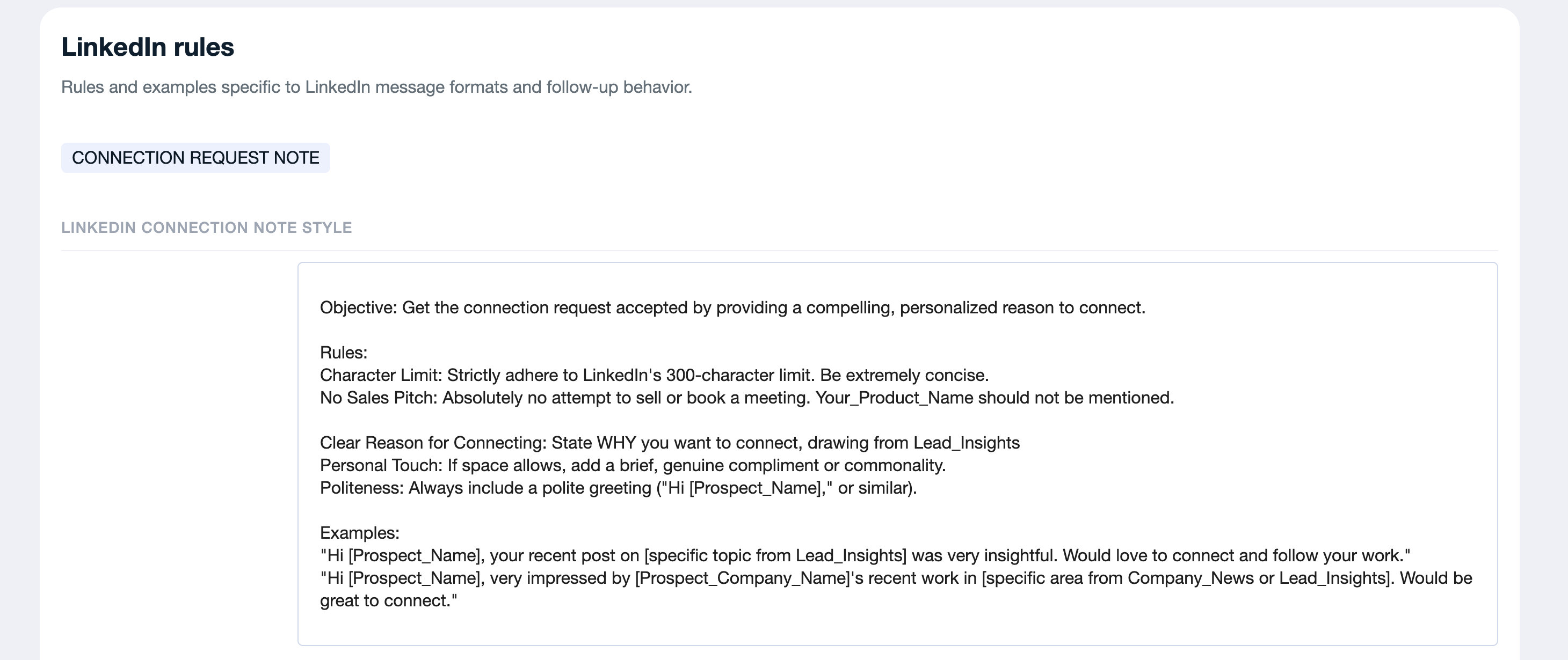
1. <linkedin_connection_note_style>
Why review it? Only relevant if your sequence sends a connection request with a note.
What to check:
Confirm if you are including a note with your connection request.
Update the message to be short, friendly, and relevant.
If sending a blank request — no review needed here.
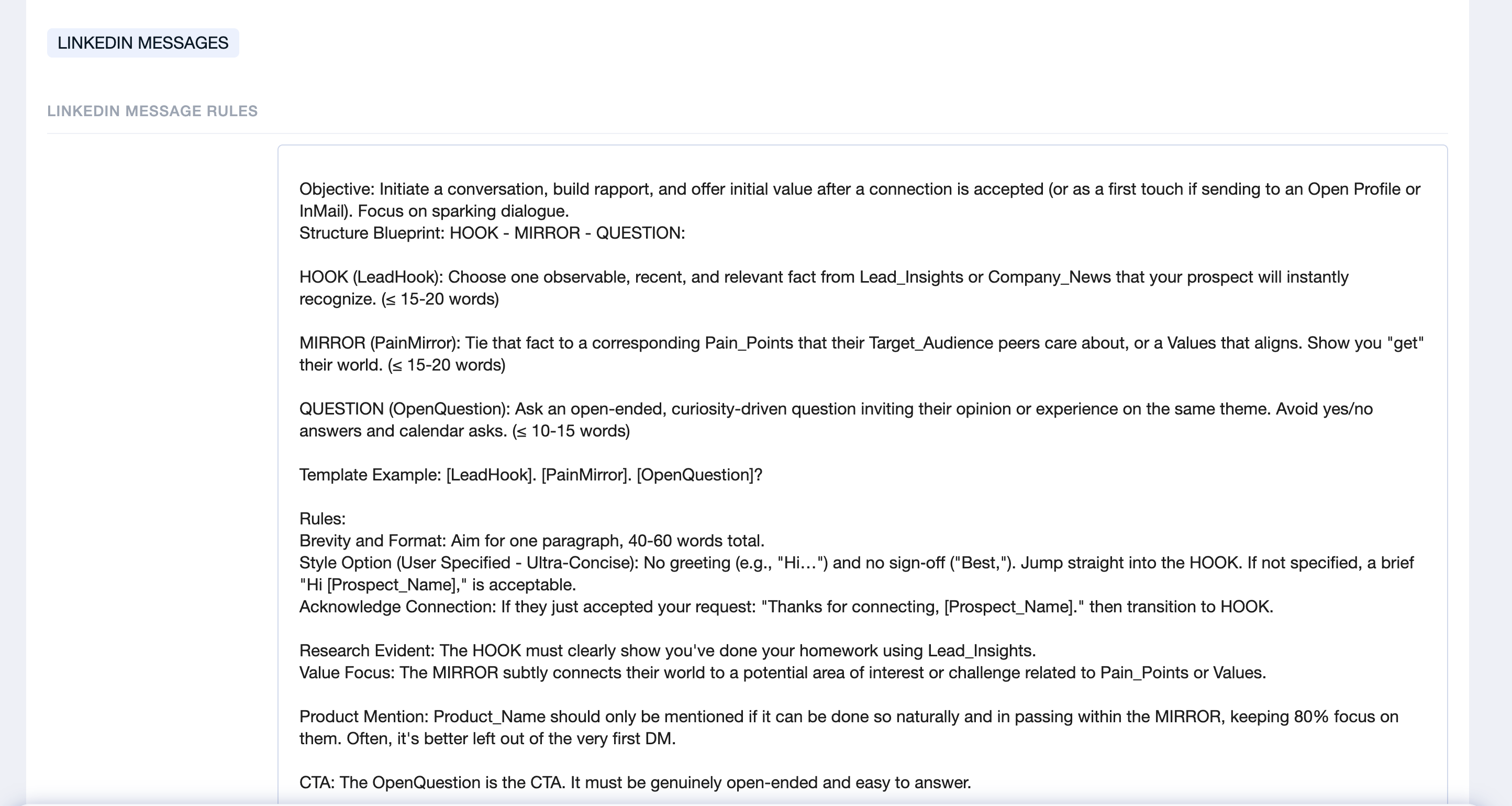
2. <linkedin_message_rules>
Why review it? Important if you plan to send LinkedIn messages in addition to emails.
What to check:
Verify the message structure matches your campaign goals.
Adjust for tone and structure.
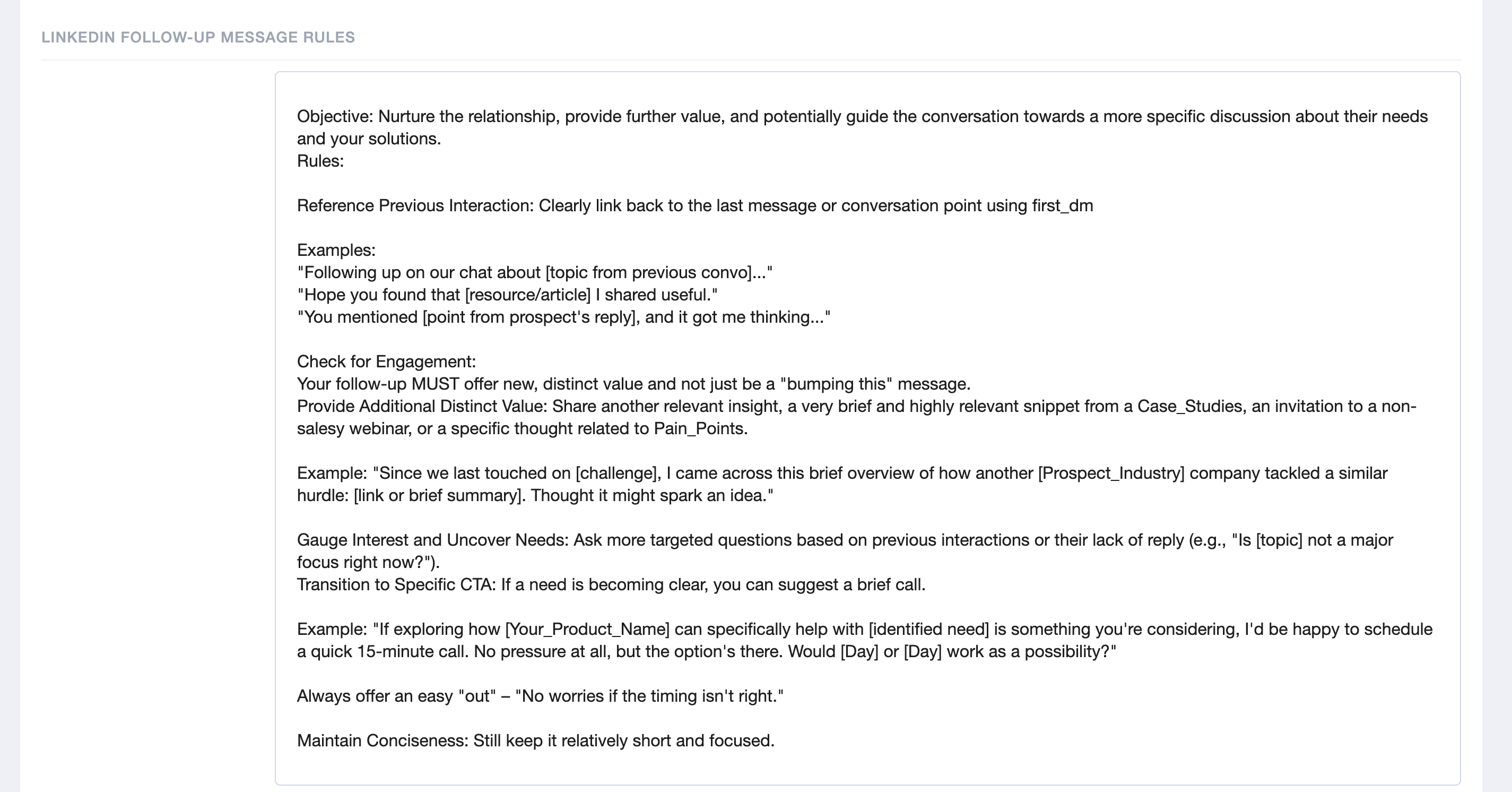
3. <linkedin_followup_message_rules>
Why review it? Works the same way as email follow-ups, but for LinkedIn messages.
What to check:
Review content for relevance.
Ensure they align with your overall outreach flow.
Final Tip
After reviewing your persona, generate a sequence preview to validate the changes look right before activating. → How to Preview Your Sequence.
Done with your persona review? Your next step is the campaign pre-launch checklist. → Final Checklist Before Activating Your Campaign.