How Do I Create a Website Visitors Campaign?
Last updated: October 8, 2025
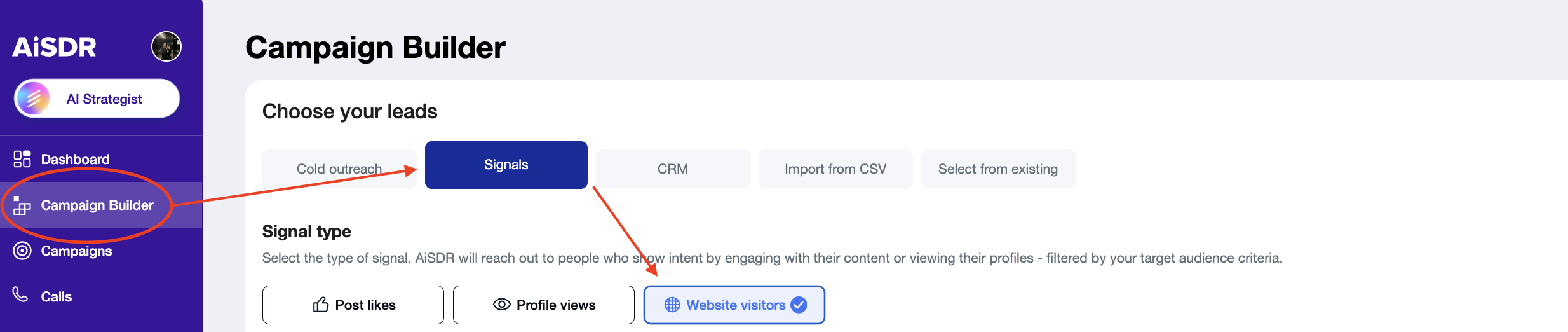
Website visitors are configured within the Campaign Builder under the “Signals” section.
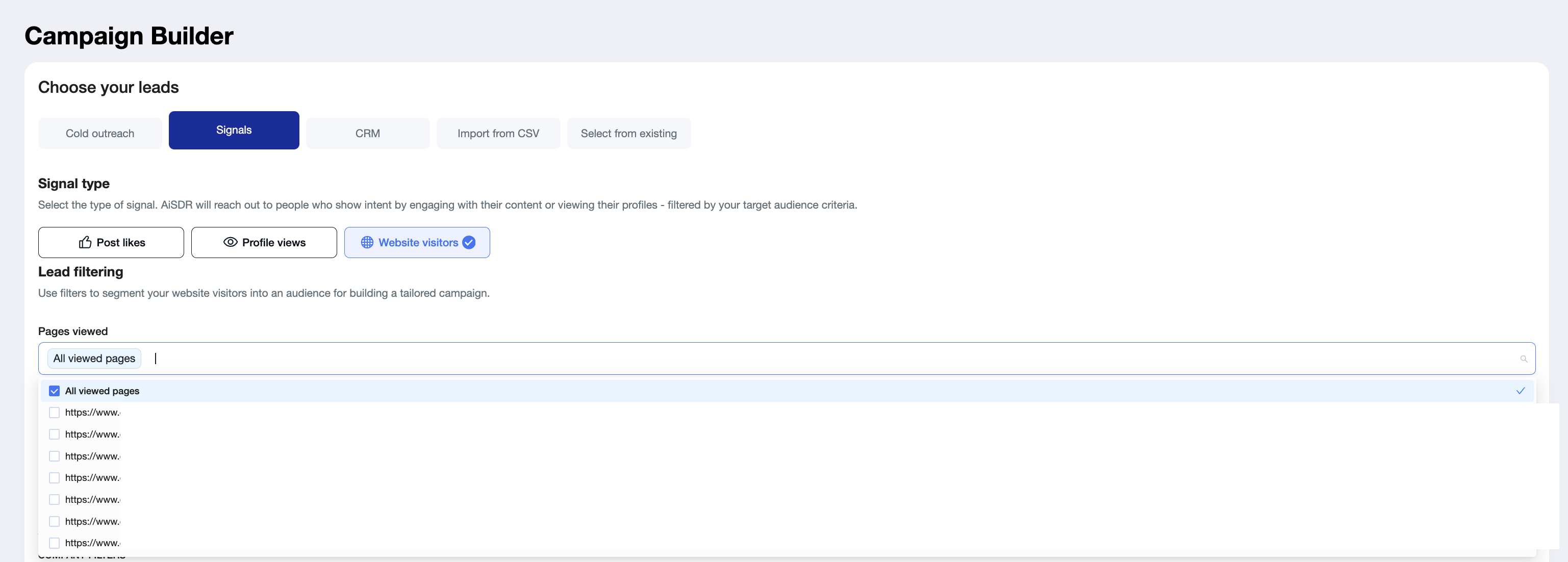
The second step is choosing whether you'd like to scrape all website pages or only specific pages.
If you are not seeing some of your website pages in Pages Viewed section when creating your Website Visitors campaign, that means that there were no viewers on those pages -> so we cannot scrape them from here.
The main benefit of this feature is the ability to engage prospects based on the exact page they visited — allowing you to tailor messaging accordingly.
For example, you could target leads who viewed your pricing page with messaging that addresses potential pricing concerns or questions.
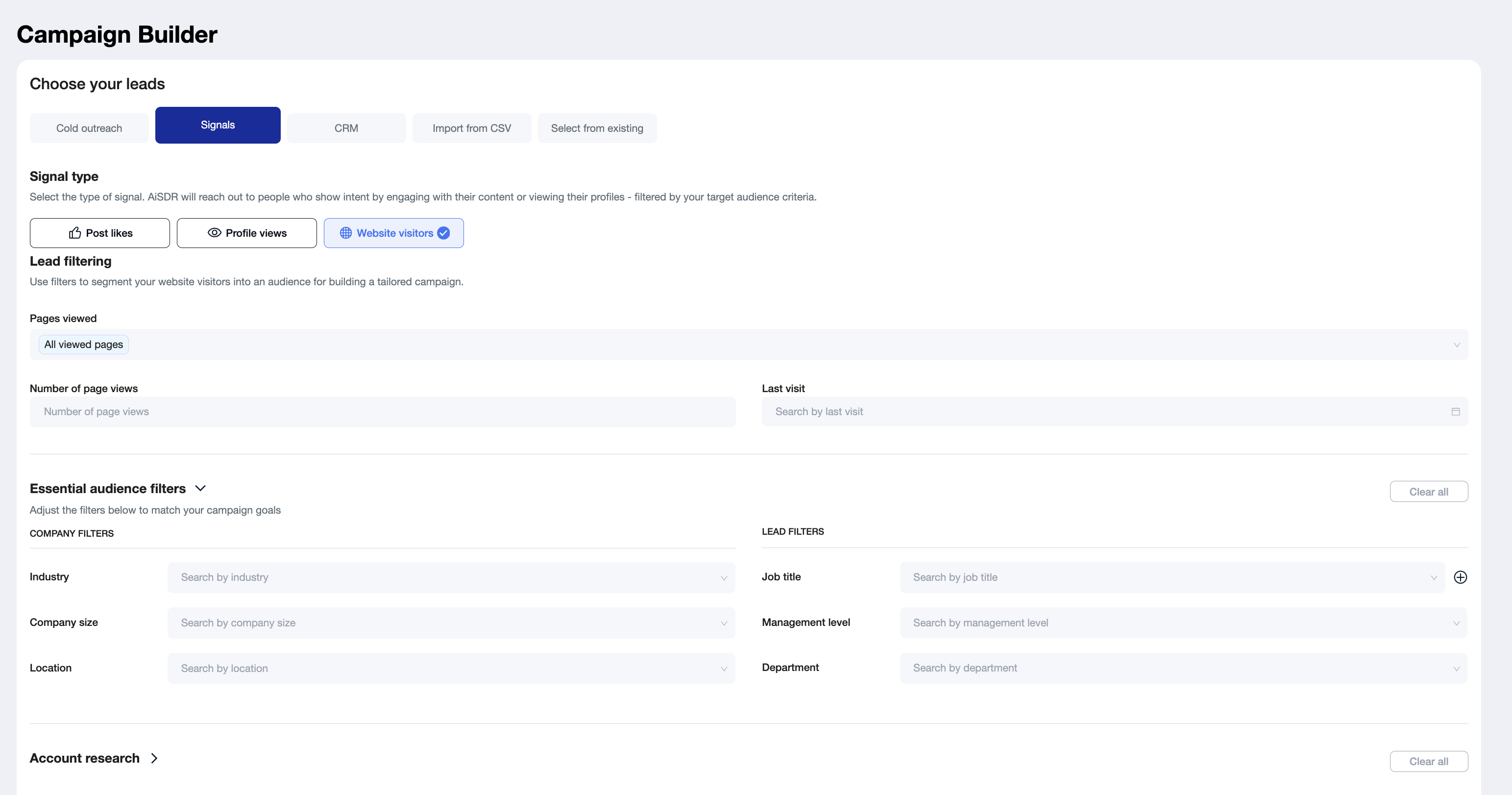
After that, the logic is the same as a standard cold outreach search — it's a filter-based search.
The first step is selecting your filters — essential filters (like industry, company size, or job titles) and/or account research filters, which provide additional enrichment and context about the company or lead.
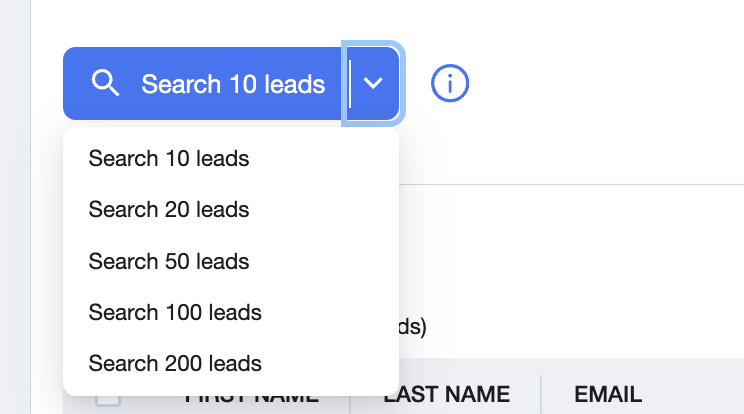
Next, you’ll choose how many leads you'd like to locate per search, proceed with enrichment, and then add the leads to your campaign.
Then, proceed with configuring your campaign.
For more details on the steps to create the campaign, read the article below:
📄 Step-by-step guide: How to Set Up a Cold Outreach Campaign in AiSDR