How AiSDR handles incoming messages when AI responses are OFF?
Last updated: February 9, 2026
Sometimes you may prefer to keep AI replies turned off, so you can personally handle all incoming conversations.
When the AI replies are off:
You will be notified about all Positive and Neutral replies.
These replies count toward your positive response rate metric.You will not be notified about Not Interested replies.
They will be visible in the Dashboard and Inbox and will count toward the response rate.You will not be notified about Alternative Contact or Auto-Reply messages.
They will be visible in the Dashboard and will not count toward the response rate.You will not be notified about Out-of-Office or Bounce replies.
They will not appear on the Dashboard, do not count toward response rate,
and can be found under the Activity tab of each campaign.If an auto-reply includes a return date, AiSDR automatically pauses outreach until that date.
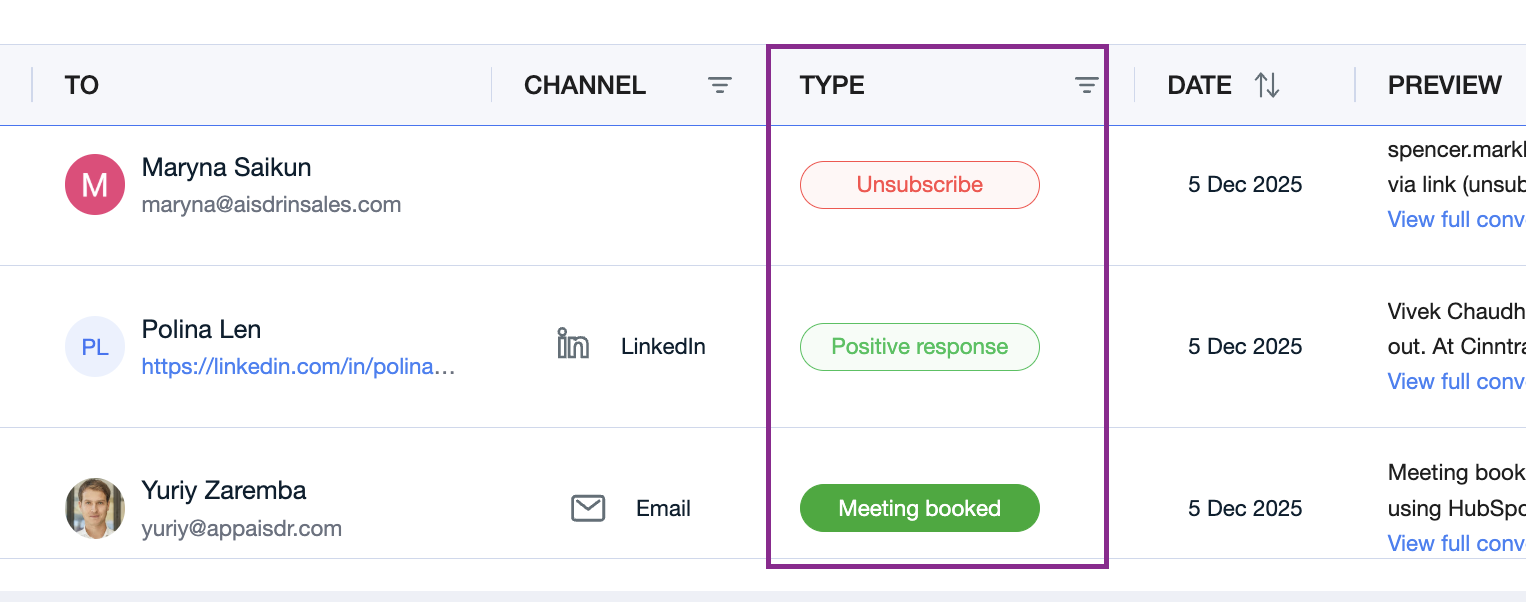
All classifications assigned to incoming replies are visible on the Dashboard:
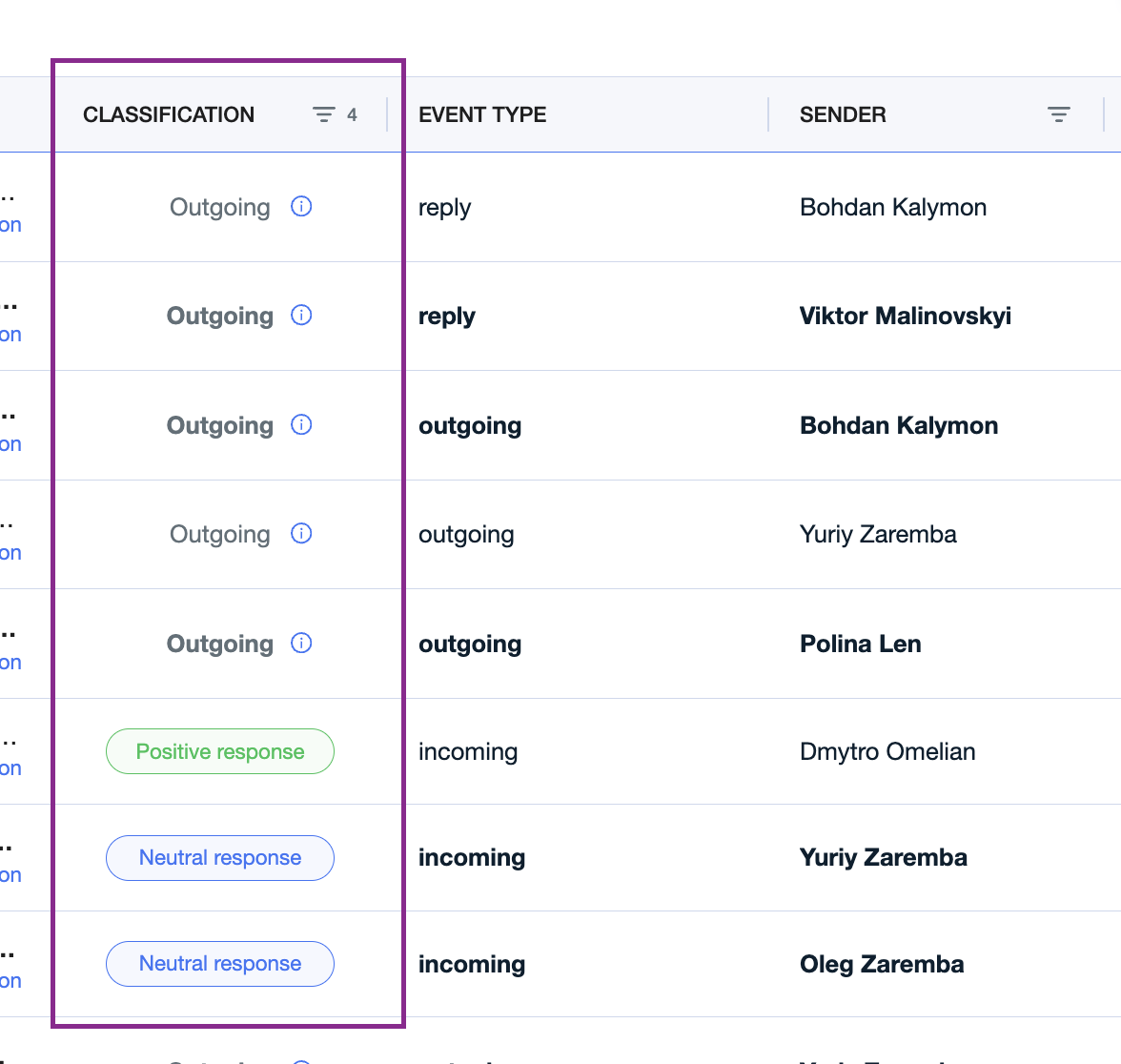
To find even more details about the status of your conversations, you can navigate to Inbox:
Reply Types & How AiSDR Handles Them
1. Positive Replies
Examples: interest in a call, request for more information.
When a reply is classified as Positive, AiSDR will:
Close the conversation so no further automated messages are sent.
Notify you via email and Slack, handing the conversation over for manual follow-up.
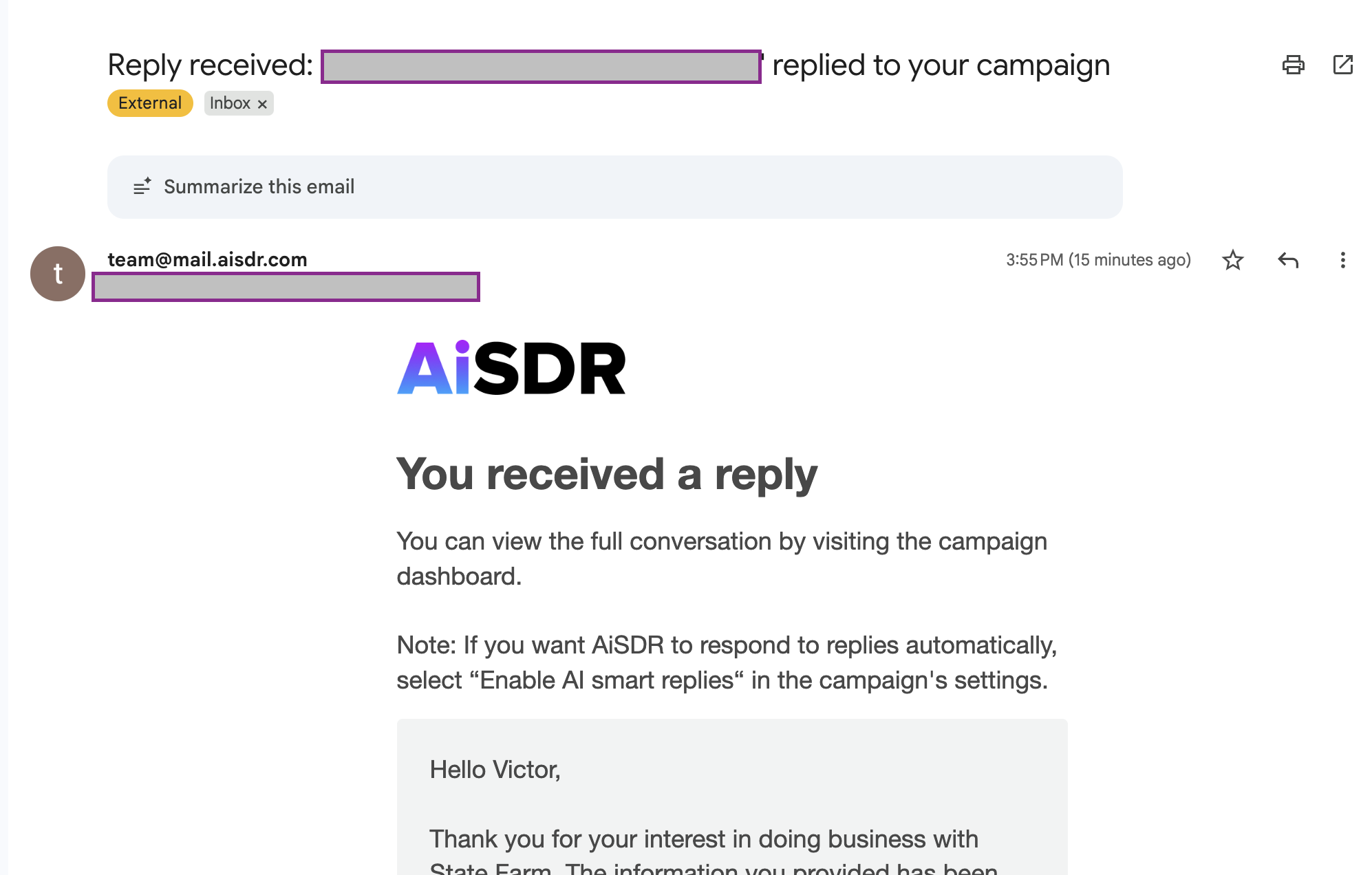
Include a direct link to view the conversation in both notifications.
2. Neutral Replies
Examples: clarifying questions, polite declines, “not the right time.”
For Neutral replies:
AiSDR classifies and closes the lead, stopping further outreach.
You will receive a notification.
You can decide whether to re-engage or leave the lead closed
3. Not Interested
Examples: "Thanks but we’re all set", “We’re not in need of…”, “Not interested”, “No, thanks. I’ll reach out if anything changes down the line”, “We do not need help” and similar.
For Not Interested replies:
AiSDR classifies and closes the lead, stopping further outreach.
You will not receive a notification.
The lead is not added to your suppression list. You can choose to retarget them later on.
4. Never Contact
Triggered by keywords such as: stop, never contact, etc.
When this happens:
AiSDR closes the lead.
The prospect is added to your suppression list, preventing future outreach.
You will not receive a notification.
5. Unsubscribe
If the lead unsubscribes using the Unsubscribe link included in your campaign emails:
AiSDR automatically marks the lead as unsubscribed, adds them to your suppression list and stops all outreach.
6. Alternative Contact
If a prospect refers you to another person:
AiSDR adds the new contact to your campaign.
Outreach to the original lead is stopped immediately.
No notification is sent.
7. Auto-Reply
When AiSDR identifies that a message is an automated response (e.g., OOO notices):
Depending on the content of the auto-reply, AiSDR will either:
Pause outreach temporarily (e.g., while the lead is out of office), or
Close the lead completely, if the message indicates a permanent change (e.g., role no longer exists).
8. Outgoing
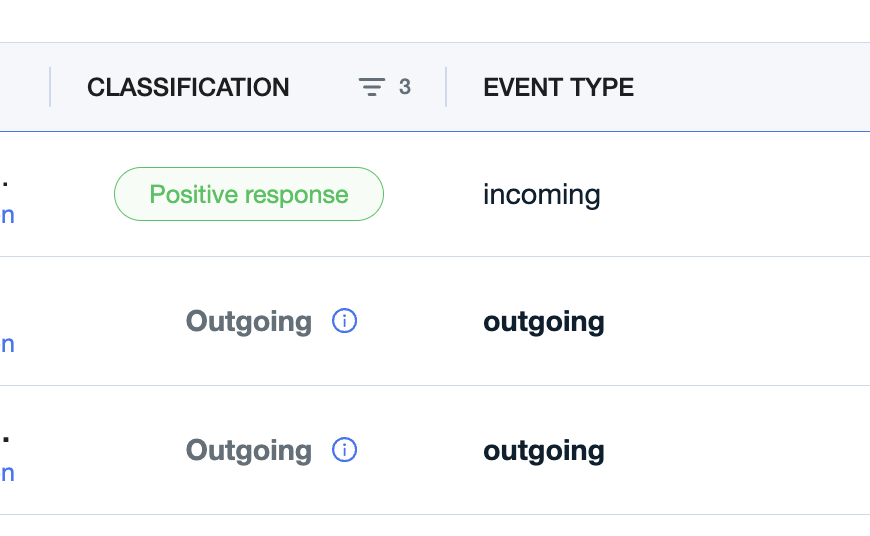
In your Inbox you may also see messages labeled as Outgoing.
This means the message has been sent and AiSDR is awaiting a reply from the lead.
Will my responses be classified after the lead has already been assigned a status?
Yes. AiSDR will update the lead’s classification after every new incoming response, even if the lead was previously assigned a status.
Each new reply triggers a fresh evaluation and the lead’s status may change accordingly.
After You Reply Manually
When you take over and send a manual reply, AiSDR gives you two options for next steps:
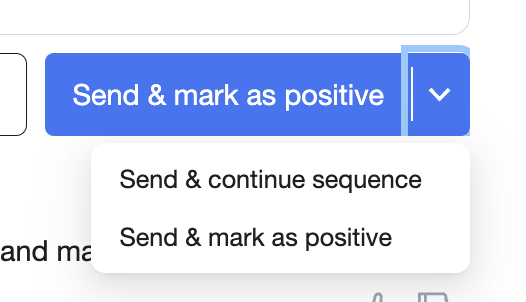
Send & Mark as Positive - The conversation ends and automatic follow-ups stop after your response.
Send & Continue Sequence - AiSDR resumes sending follow-ups, picking up the thread where you left off.
📄 How to Manually Reply to Incoming Messages