What Happens When You Hit Your Sending Credit Limit?
Last updated: September 15, 2026
Managing your outreach effectively means keeping an eye on your email credits. AiSDR will let you know if you're nearing or hitting your limit.
You're Running Low on Credits
When your account has fewer than 100 credits remaining, AiSDR displays a yellow banner in your account to warn you that you’re nearing your limit.
This gives you time to review your usage and decide whether to upgrade or wait for your credits to renew.

Where to Check Your Remaining Credits
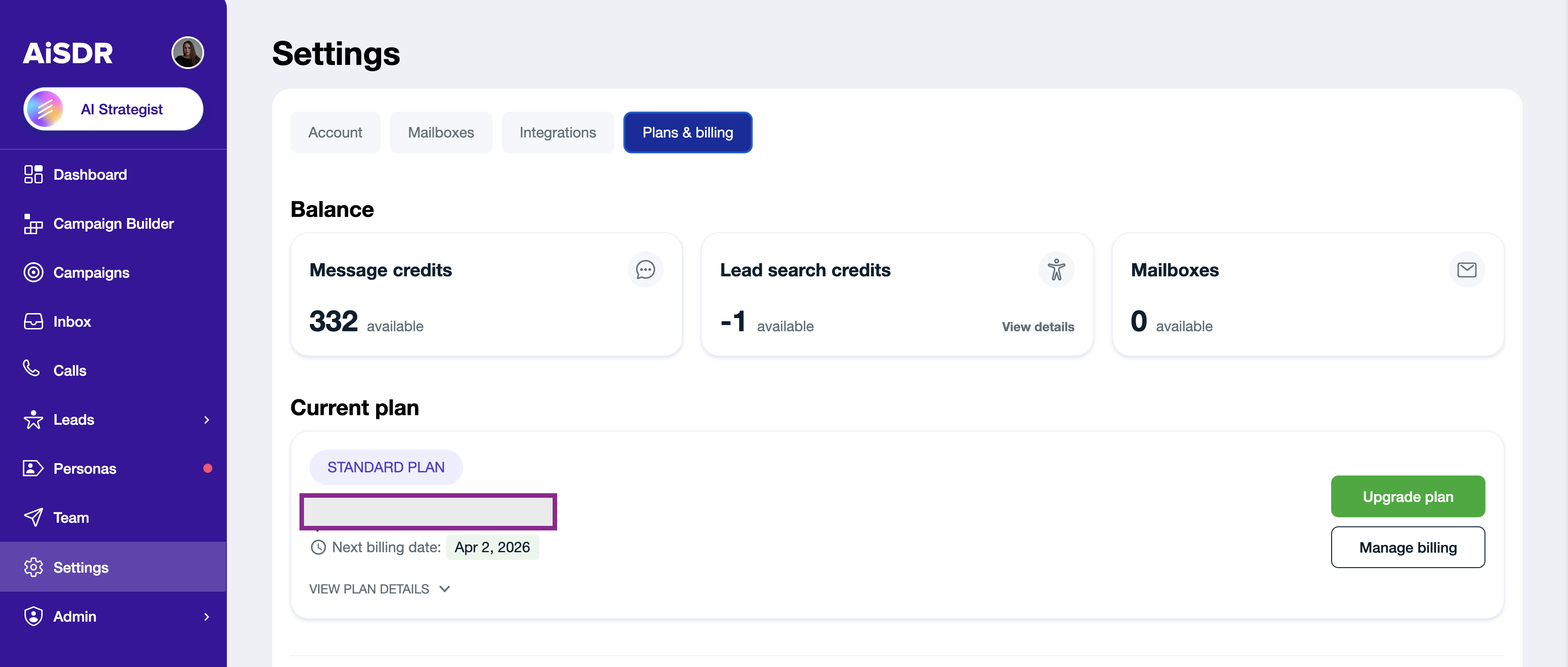
To see how many credits you have left:
Review your remaining credit balance
What Happens When You Use All Your Credits
If you've completely used up your email credits and your renewal date isn't around the corner, you'll receive an email notification clearly stating:
"You've reached your monthly sending limit in AiSDR."
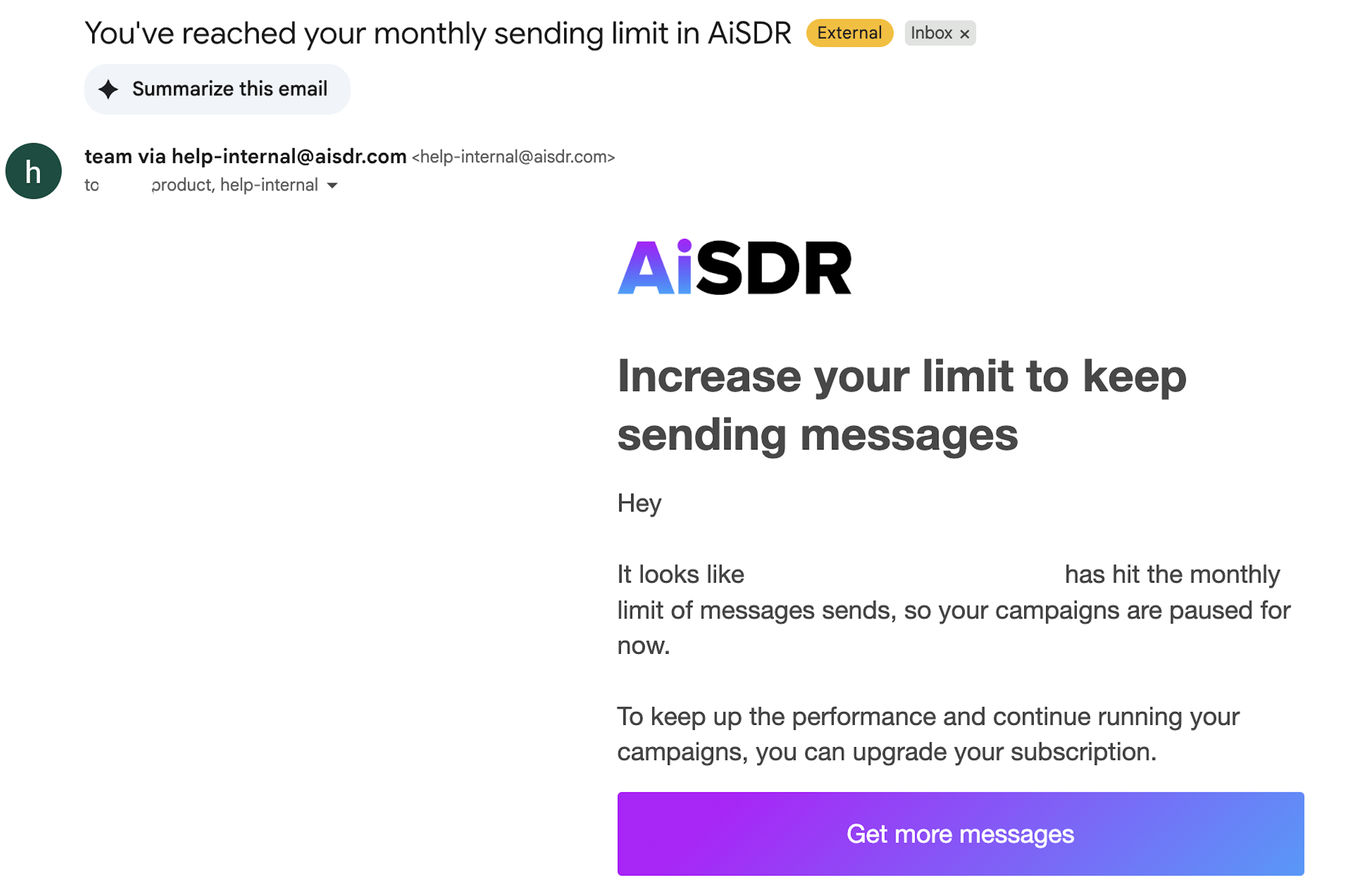
At that point:
All active outreach campaigns are automatically paused
AiSDR stops sending outgoing emails temporarily
Don't worry, you will still continue receiving replies from leads
Getting Back on Track
You have three easy options to get your campaigns running again:
Upgrade Your Subscription: Move to the next tier to instantly access additional email credits and resume your campaigns without interruption.
📄 How to Upgrade Your AiSDR SubscriptionBuy a top-up for an instant credit boost, no plan change needed.
Wait for Renewal: Alternatively, you can simply wait until your monthly renewal date arrives, and your email credits will reset automatically.
💡 Good to know: Top-ups are one-time purchases — credits are added instantly and never expire. Open the top-up screen from any Top up button, or go to Settings → Plans & billing → Buy credits (it may also pop up automatically once you hit about 80% of your monthly credits).
Choose what to top up:
Bundle (recommended) — search and message credits together at the best per-credit rate. Save 25% versus buying separately.
Message only — add message credits.
Search only — add search credits.
Bundle pricing:
Starter, $99 — 150 search + 150 message credits (300 total)
Boost (most value), $198 — 300 search + 300 message credits (600 total)
Power, $299 — 450 search + 450 message credits (900 total)
Search-only and message-only top-ups: 225 / 450 / 700 credits at $99 / $198 / $299 (~$0.44 per credit).
Topping up often? Upgrading your plan gets you a lower cost per credit than repeated top-ups.
That's it! Now you're prepared to handle your email credits like a pro 📩✨