What Does “Goal” Mean in a Campaign Builder?
Last updated: January 13, 2026
The Goal defines the primary action you want your leads to take as a result of the outreach. It helps AiSDR generate messaging that’s optimized for that specific outcome.
Setting a clear goal aligns:
Your messaging strategy
Your CTA (call to action)
The sequencing logic
✅ Available Goal Options
When you navigate to the Goal section, you’ll see the following options:
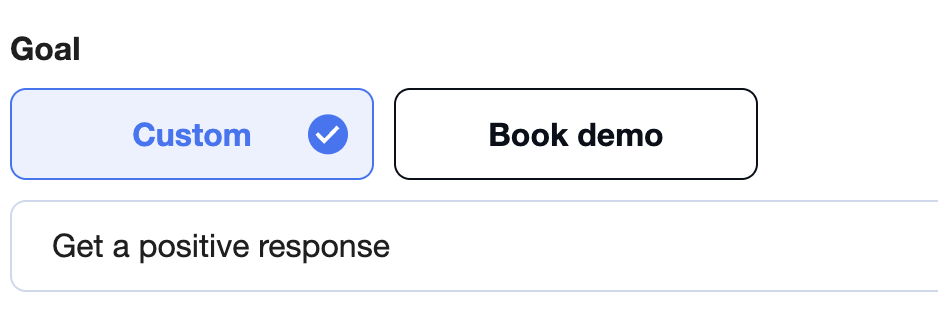
Custom
Get a positive response (!the most popular!).Book a demo
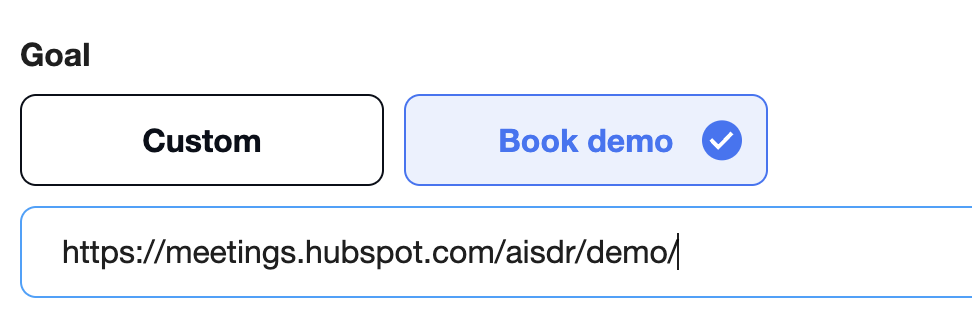
Use this if your aim is to drive calendar bookings for a product demo.
📆 Do I Need to Add a Calendar Link?
Yes. If your selected goal involves booking a call, you must include a calendar link.
You can use any calendar booking tool. However, automatic meeting tracking is only supported for:
Calendly
HubSpot Meetings
Other calendar tools (like SavvyCal, Chili Piper, Outreach, etc.) can be used for scheduling, but you’ll need to manually update lead status when meetings are booked.
If you're using Calendly or HubSpot, go to:
Settings → Integrations and connect your calendar provider.
This allows AiSDR to track booked meetings and stop sending emails to leads once they convert.
❌❌ Automatic tracking limitations
Only Calendly and HubSpot support automatic meeting tracking.
You’ll need to manually change the lead status to “Meeting booked” in your lead list to stop further outreach.
📄 How to Change the Status of a Lead After a Manual Reply?
🔗 Can AiSDR Track Booked Meetings?
Yes, but only if:
You use Calendly or HubSpot,
And they are integrated with AiSDR via Settings > Integrations
✅ With integration enabled, AiSDR can detect when a meeting is booked and automatically stop the sequence for that lead.
❌ Other calendar tools (like SavvyCal, Chili Piper, etc.) will still work for scheduling, but AiSDR won’t be able to track the booking status.