Creating a Campaign with a Custom Suppression List or Without Any List Assigned
Last updated: November 18, 2025
Creating a Campaign With a Custom Set of Suppressed Entities/Leads
AiSDR gives you the flexibility to create campaigns, with full control over which suppression lists apply to each of them.
Please note that by default, the campaign is created with all suppression lists assigned.
To assign a custom set of suppressed records, simply specify the list(s) that need to be assigned during the campaign creation in the "Suppression lists" section outlined below:
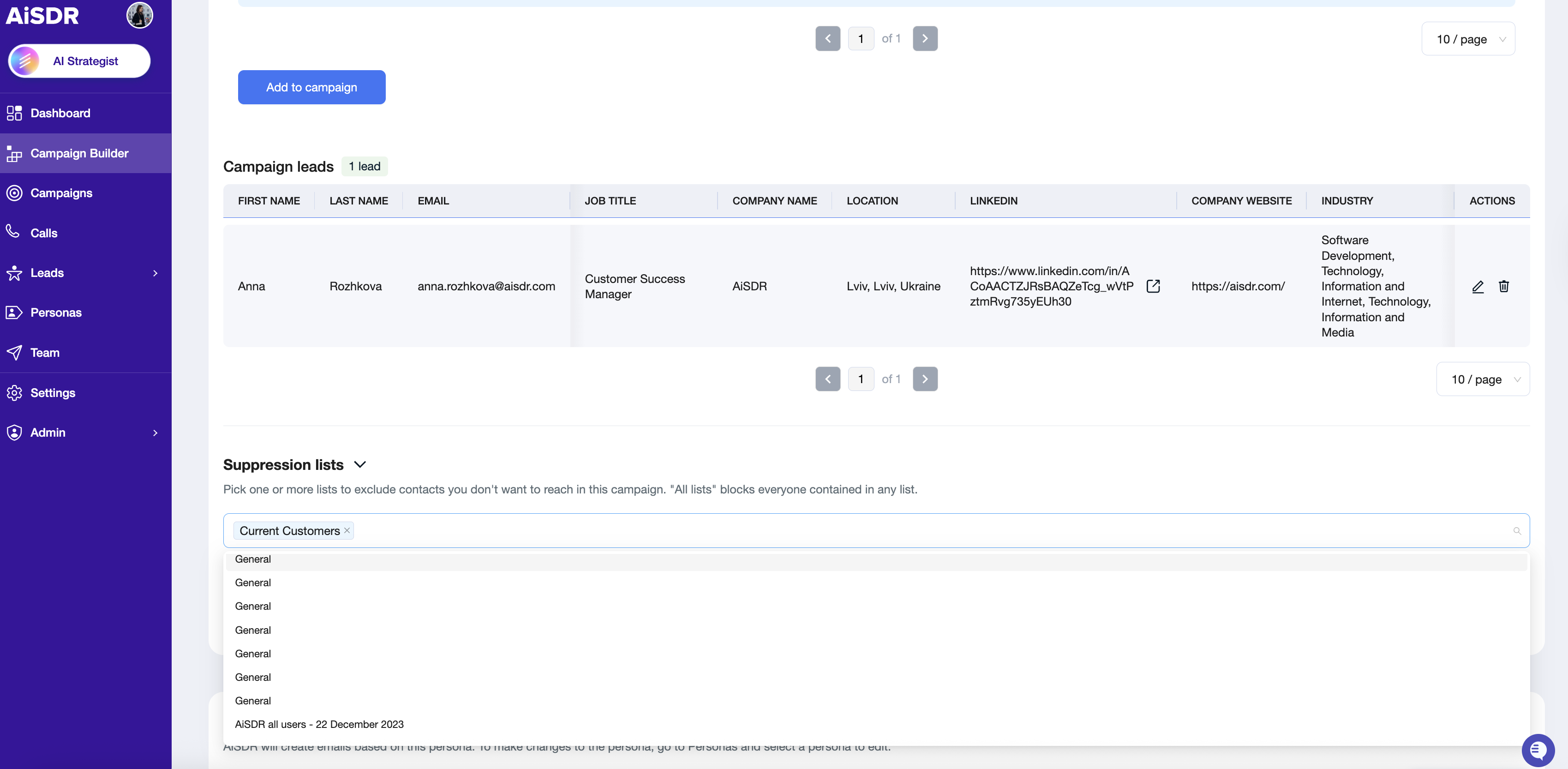
This is particularly useful when you, for example, want to run an event invite campaign and include your current customers to the list of recipients, which generally should be suppressed for broader cold outreach campaigns.
Creating a Campaign Without Any Suppression List Assigned
Prefer to run a campaign with no records suppressed at all?
You can do that too!
Since all lists are selected by default, simply deselect every suppression list during setup: