How Can I Delete a User From the Platform?
Last updated: July 2, 2025
To delete a user's account from the AiSDR platform:
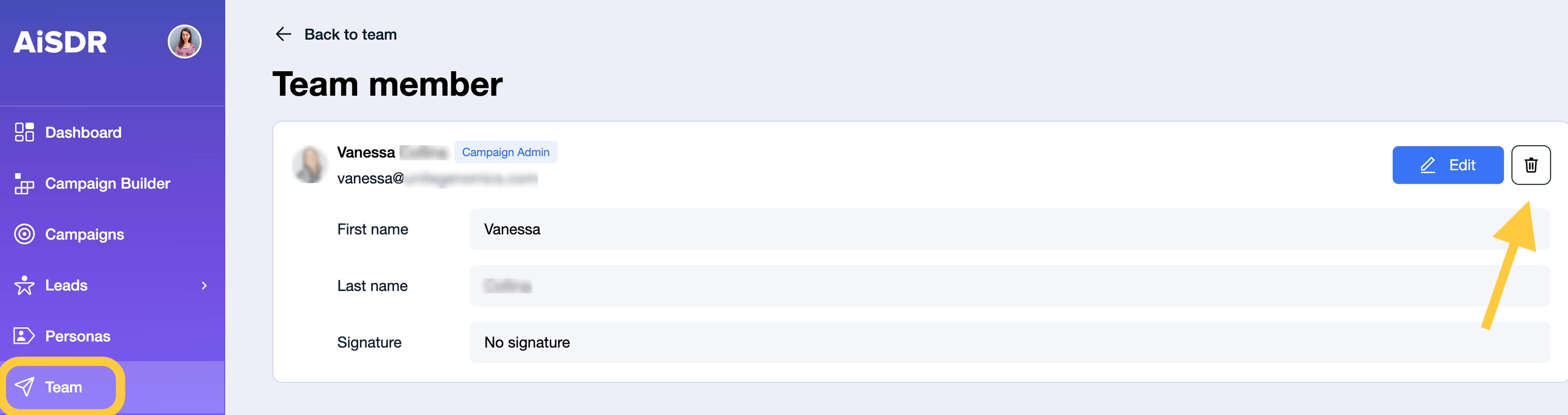
Navigate to the Team page.
Select the user you want to remove.
Click the bin icon to delete their account.
Please note that only users with the Campaign Admin role can perform this action.
Important: Deleting a user who is a campaign owner will permanently remove their campaigns and associated leads, including all incoming and outgoing events.
If you'd prefer to save a user's campaigns but restrict their account access, contact us at help@aisdr.com, we will deactivate the user for you.