Which User Roles Are Available?
Last updated: February 16, 2026
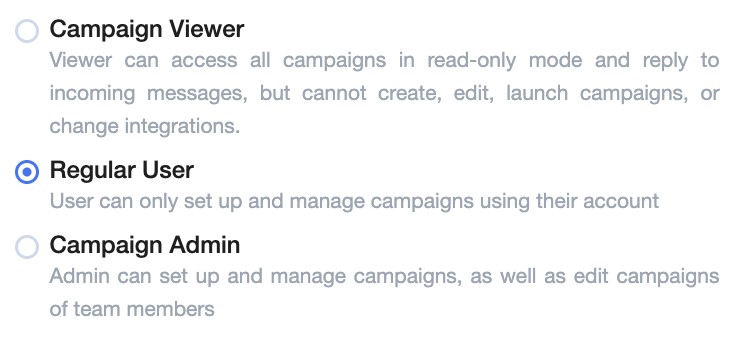
We offer three user roles within the platform, each with different access levels:
1. Campaign Viewer
Can view all campaigns and performance metrics
Can send manual replies and start/stop campaigns
Cannot create or edit campaigns, search leads, set up integrations, invite team members, or change subscription settings
2. Regular User
Can create campaigns and personas with them as the only sender
Only sees campaigns and personas created by them
Can't create campaigns for other team members
Does not have access to the general dashboard or overall performance statistics
Cannot view conversations or reply to leads in campaigns created by a Campaign Admin, even if their connected mailboxes are being used in that campaign.
3. Campaign Admin
Can view and edit campaigns created by any user
Can create campaigns for any team member
Has full visibility into dashboard analytics and performance metrics
Can manage user roles and workspace settings
If you’d like to upgrade a user’s role, simply reach out to your Customer Success Manager or email us at help@aisdr.com - we’re happy to assist!