How to Log In to AiSDR?
Last updated: August 10, 2026
Once you subscribe to AiSDR, you'll automatically receive a welcome email confirming your account setup. Your account will be associated with the email address you used during subscription.
To access the AiSDR platform, go to the direct Login link (https://app.aisdr.com/login) or open the welcome email and click on the "Get Started" button.
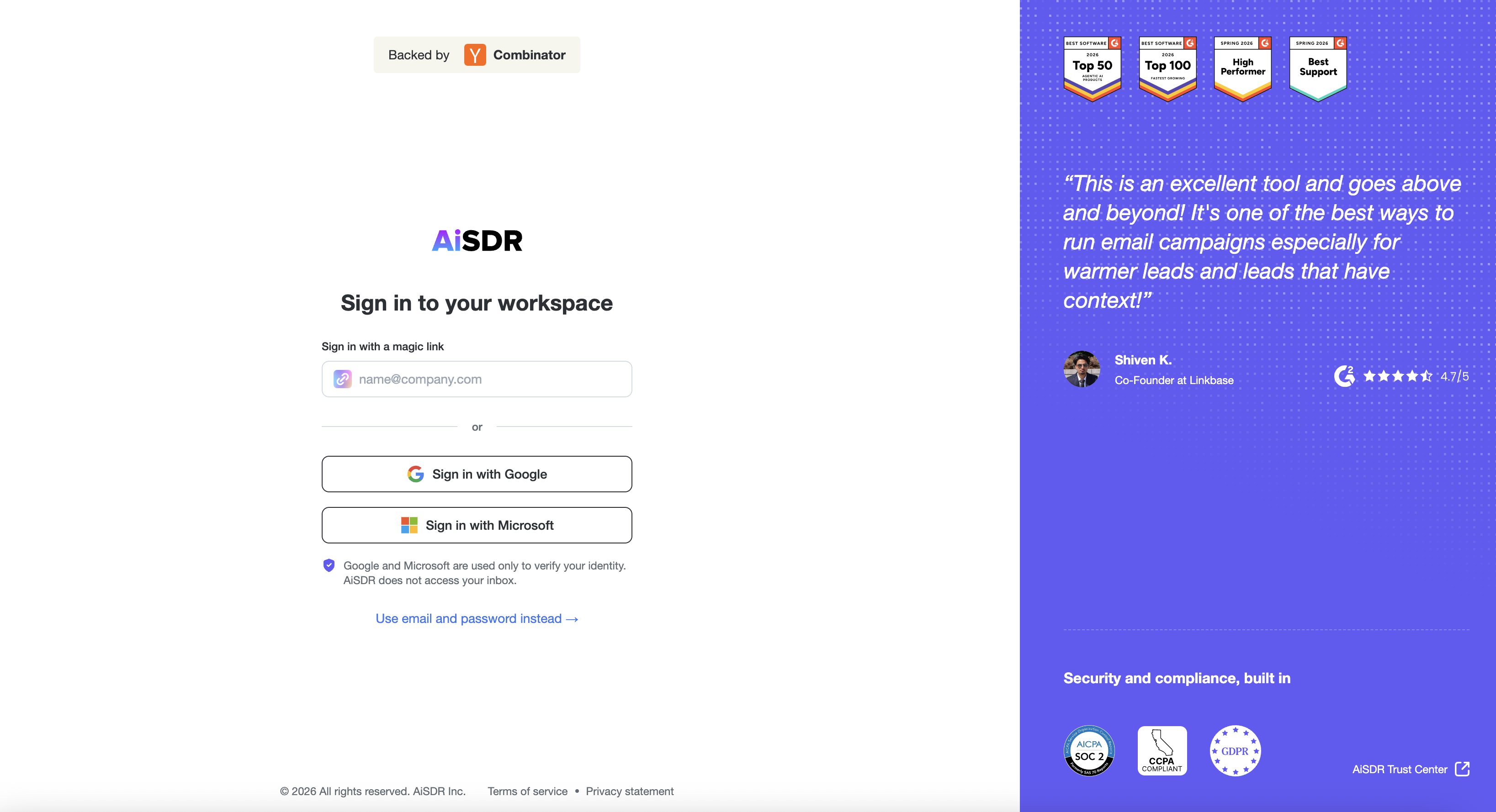
🪄 Magic Link Login
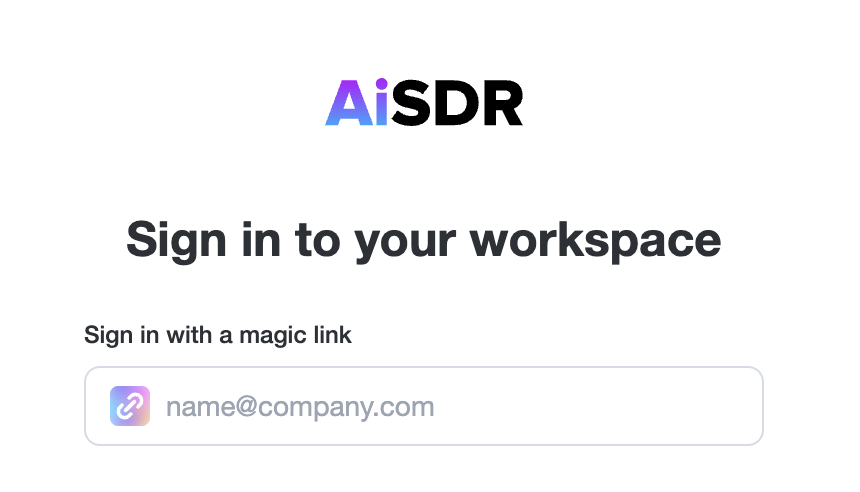
On the login page, enter your email address.
Check your inbox for a login link from AiSDR and click it to get in.
💻 No Password Required
No password is needed; simply use "Sign in with Google" or "Sign in with Microsoft," depending on your email provider, and you're ready to go!
᨟ Getting a 401 error?
A 401 error during login means that the email address you’re using is not linked to an existing AiSDR account.
Read here how to get access: