How Can I Invite Team Members?
Last updated: December 2, 2025
To invite your team members to your AiSDR account:
Navigate to the Team page.
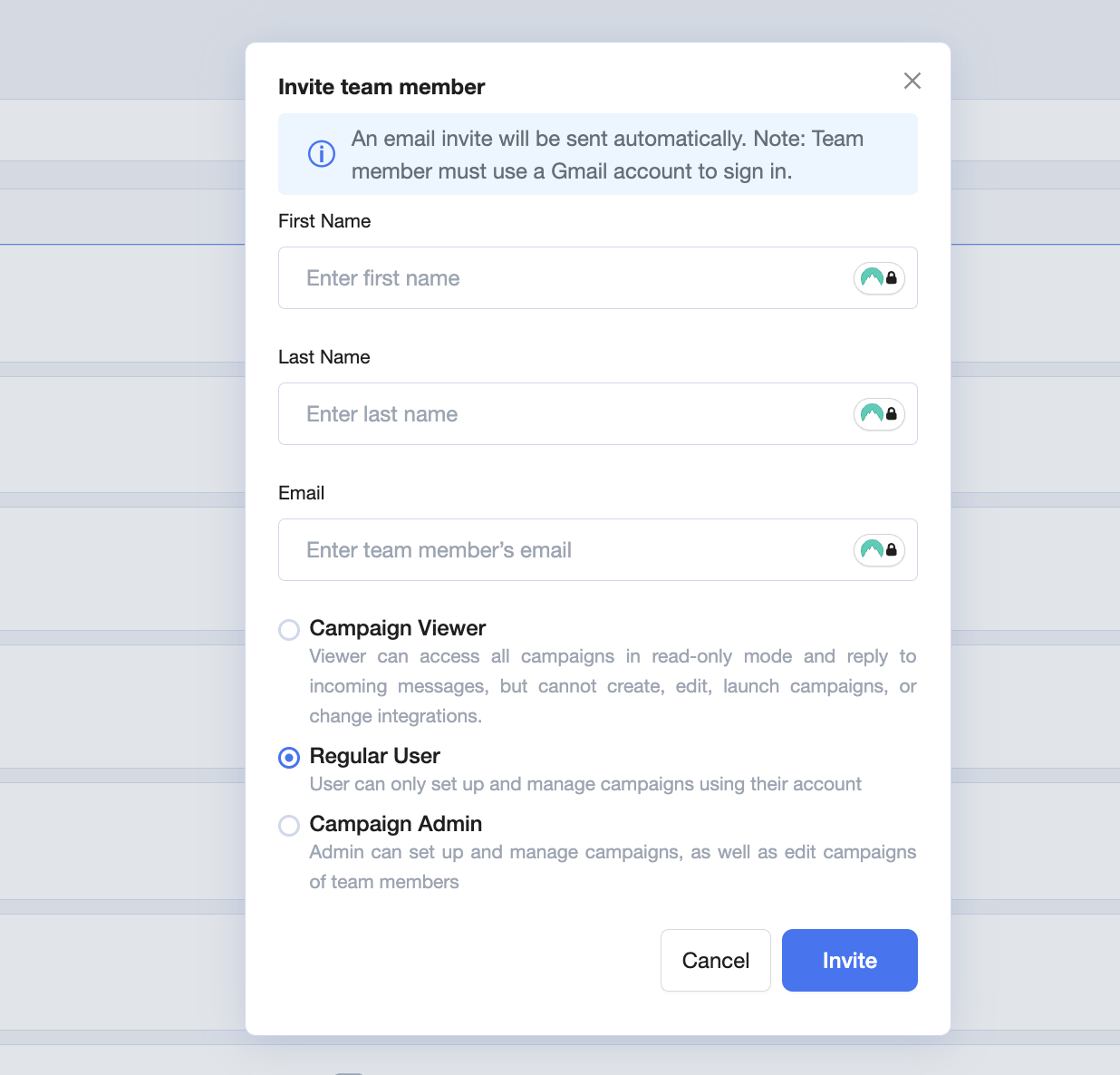
Click on the 'Add team member' button.
Assign roles to your team members:
Regular User: Can set up and edit their own campaigns, but won't have access to the general dashboard or overall performance metrics.
Campaign Admin: Can view and edit campaigns created by any user.
Campaign Viewer: Can access all campaigns in read-only mode and reply to incoming messages, but cannot create, edit, launch campaigns, or change integrations.
Need to update user roles later? Feel free to contact us at help@aisdr.com or reach out in our Slack channel, we’re always happy to assist you!