0 Credits in the Account: Why Your Campaign Won't Launch
Last updated: September 14, 2026
You signed up, built a campaign, and hit launch, but your account shows 0 credits. This is expected behavior. On Solo, credits are added only after you activate your subscription. Until then your account sits at zero and campaigns can't go out.
📍 How to activate your plan
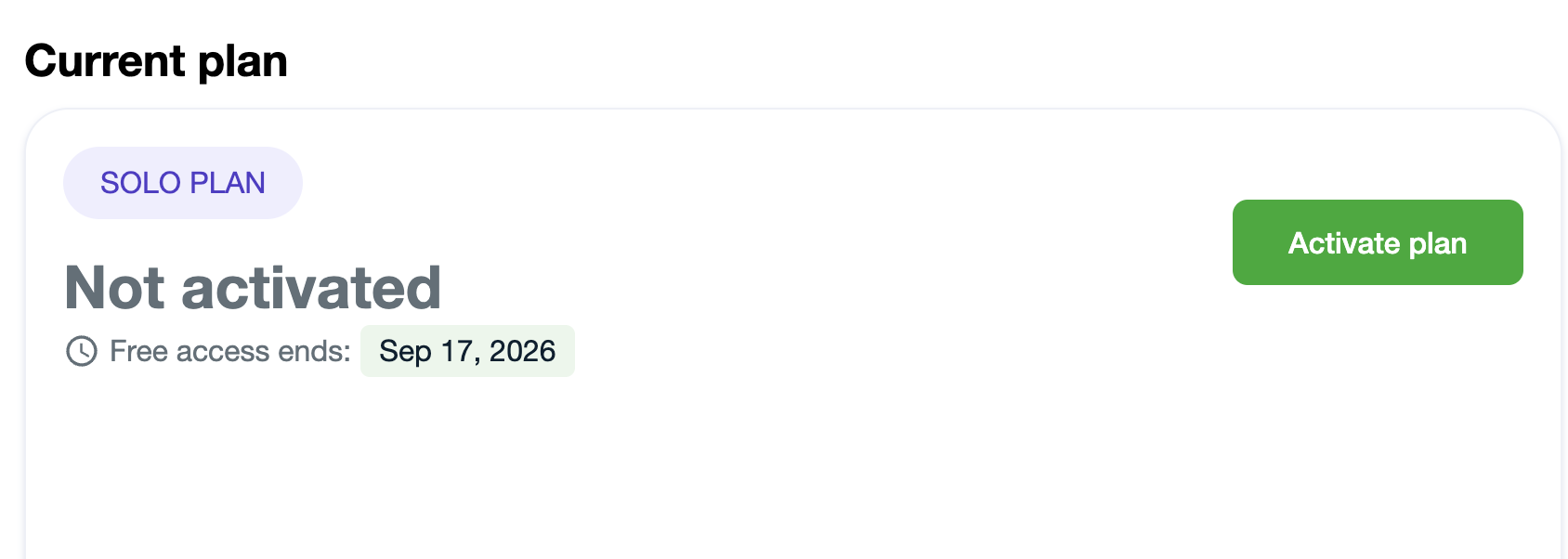
Go to Settings → Plan & Billing (https://app.aisdr.com/settings#plansAndBilling)
Click Activate plan
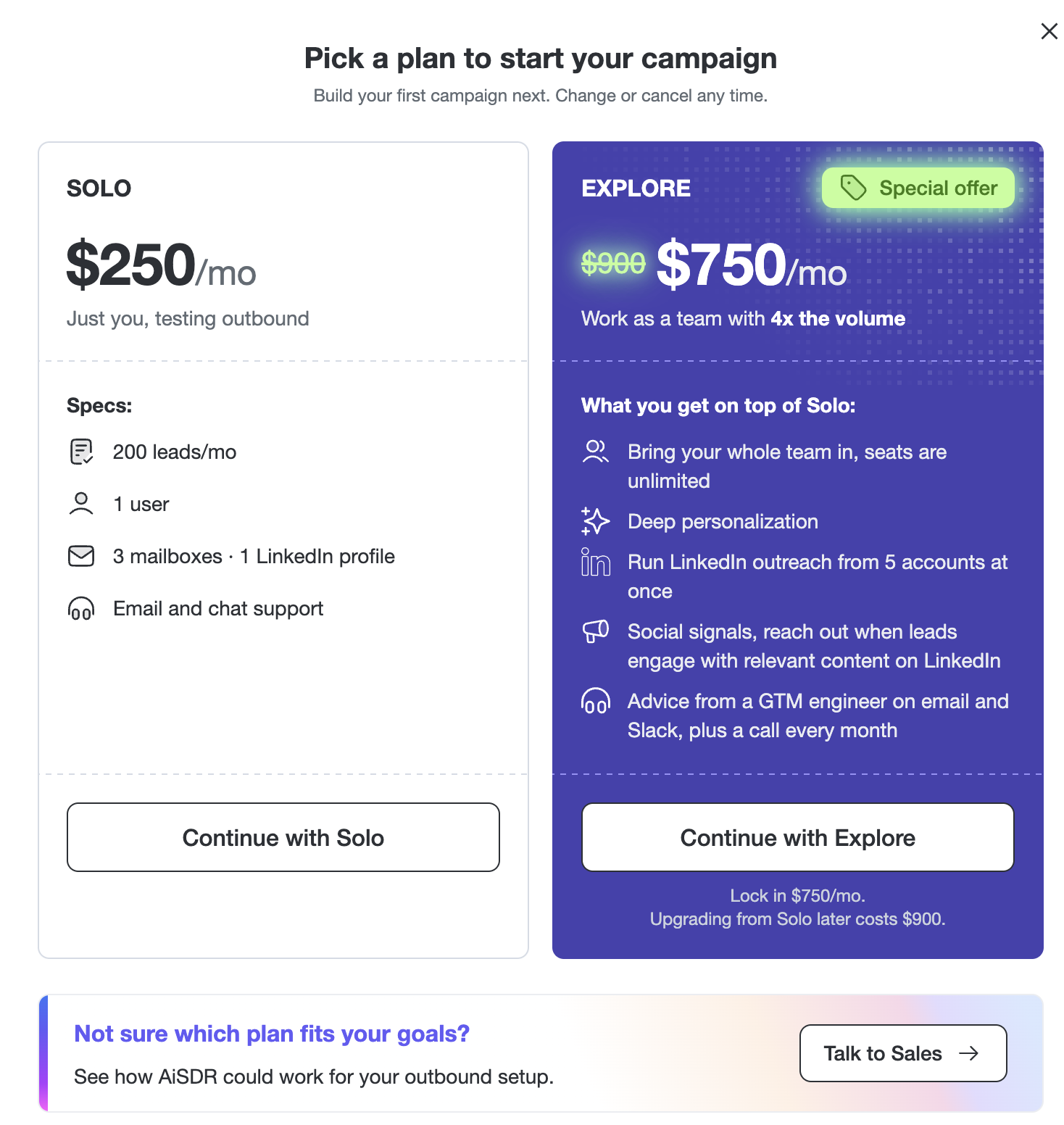
Choose the plan you want
On the checkout page, enter your promo code if you have one
Complete checkout
✅ Your full credit balance is applied right away, and you can launch your campaign.
⏳ Activate within your first 3 days
Please activate your subscription within 3 days of signing up. After that your account is deleted, and you'll have to start over with a new account. Anything you already set up, including your campaign and lead lists, goes with it.