How do I create a voice note replica for LinkedIn messages?
Last updated: May 4, 2026
Record a short, high-quality audio clip so our AI can capture your natural tone and help you send authentic voice messages!
A high-quality voice recording helps our AI model accurately capture your natural tone, pace, and pronunciation, resulting in a more realistic voice clone overall.
The AI clones your voice from this single sample, so any background noise, distortion, or unnatural tone will be baked into every voice note it generates afterwards.
Your voice sample should be one continuous audio clip, containing 5-10 seconds of natural speech.
How do I record 5–10 seconds of natural speech?
1. Open AiSDR → Settings → Voice Replicas
Option 1 (Recommended): Click Record voice and create a recording in-app
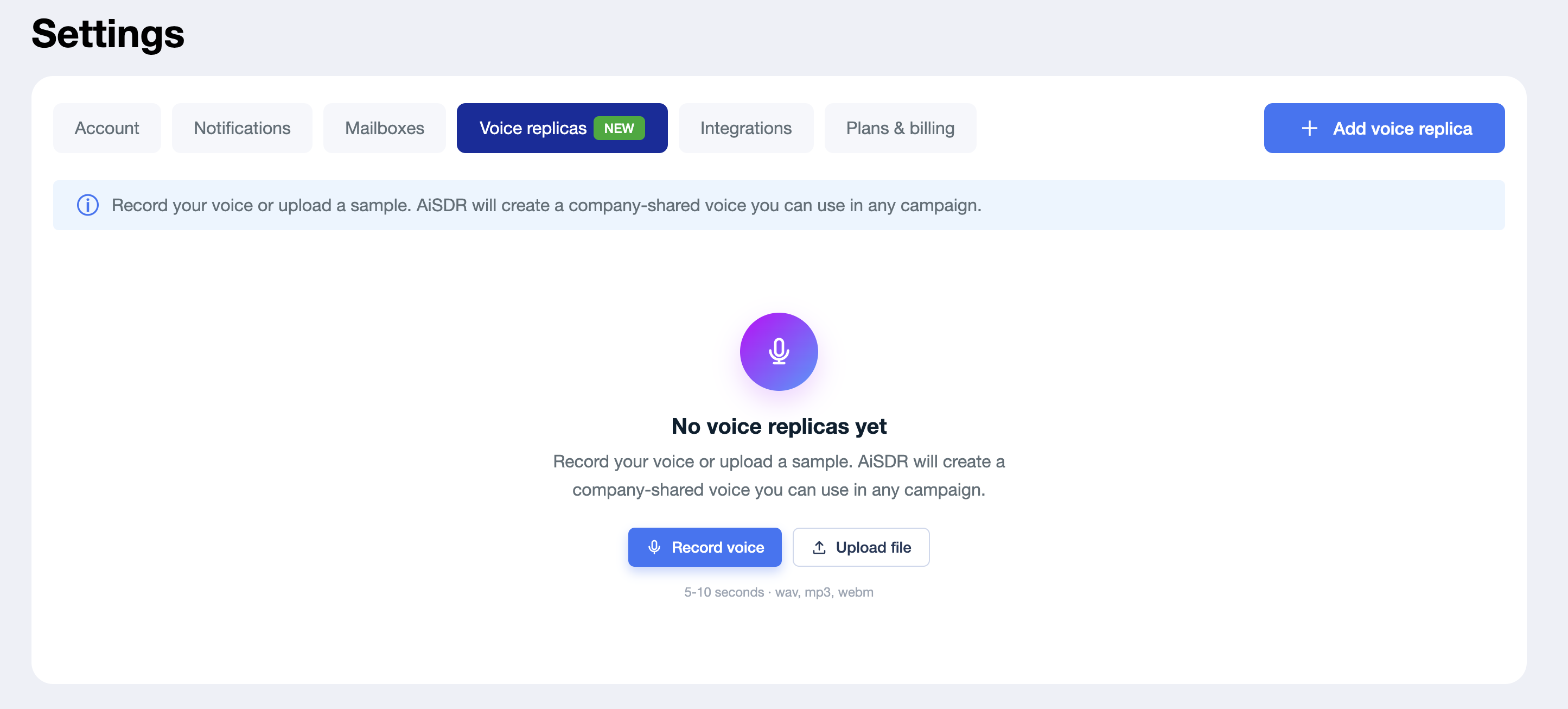
1. Speak clearly and at a natural pace. We recommend recording 5–10 seconds for the best results.
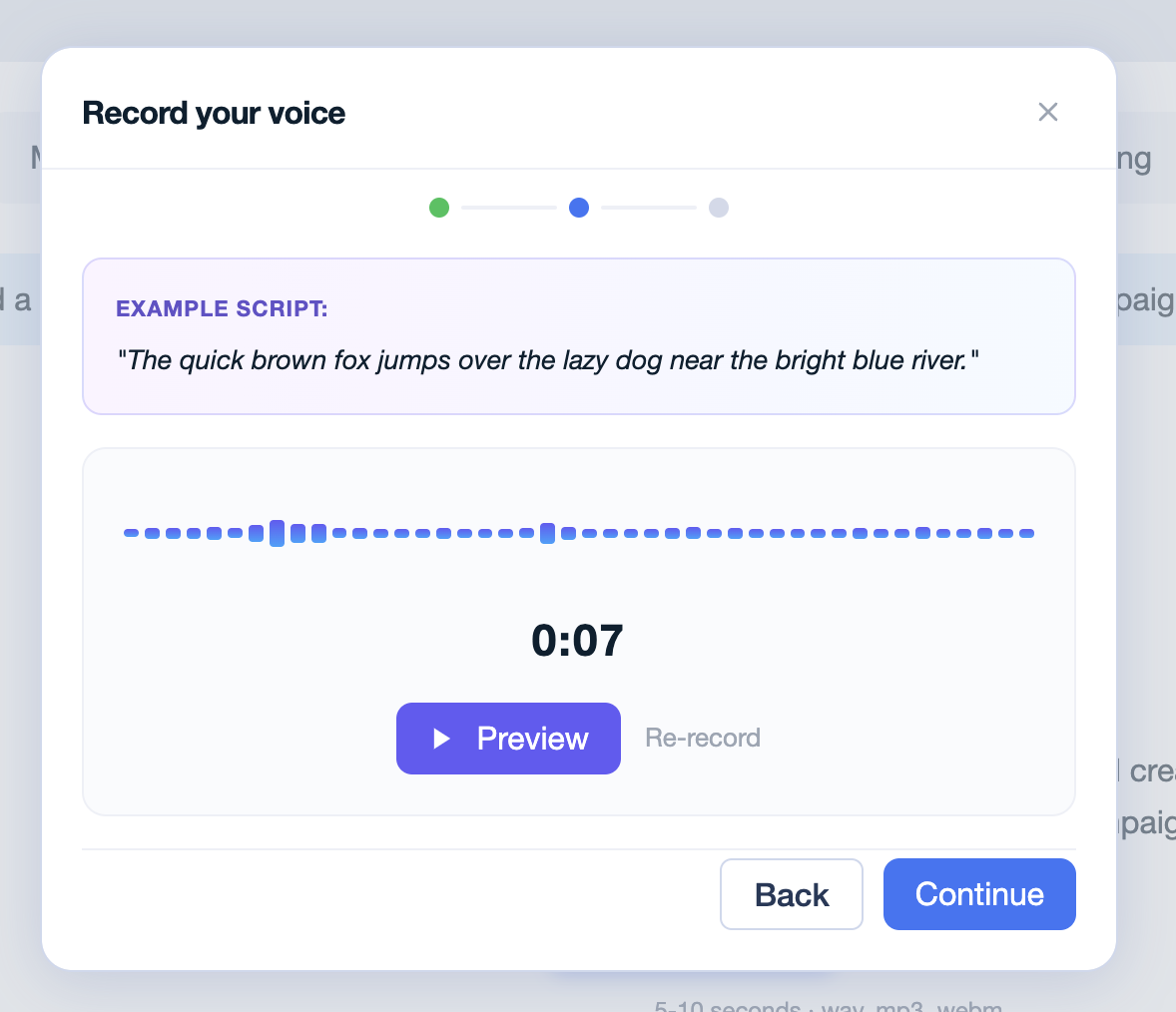
2. You can read any short sentence that represents your natural speaking style - or use the example script AiSDR shows you in the recorder (“The quick brown fox jumps over the lazy dog…”). It’s a pangram, so it covers a wide range of sounds.
3. Record in a quiet space with no background noise.
4. Keep tone and volume steady - no whispering or shouting.
Option 2: Upload a file
Open voice recorder app https://online-voice-recorder.com/ on your phone or computer. Click the microphone button to start recording your voice. Then, upload the file to AiSDR.
Accepted formats: MP3, WAV, or M4A. Max size: 4 MB.
How to create a high-quality voice recording?
Set up your environment 🎤
Find a quiet space with minimal background noise (no fans, air conditioners, or conversations).
Use a good microphone if available. Built-in laptop or phone mics work fine — just stay close to the device.
Record your clip ⏺
Speak confidently and naturally. No need for a special tone.
When recording outside AiSDR
The final file should be under 4 MB in size.
Save your recording to your computer. You will have a “Save” button in https://online-voice-recorder.com/ after recording is done.
2. Record your voice, hit Preview, and when it sounds right, click Continue.
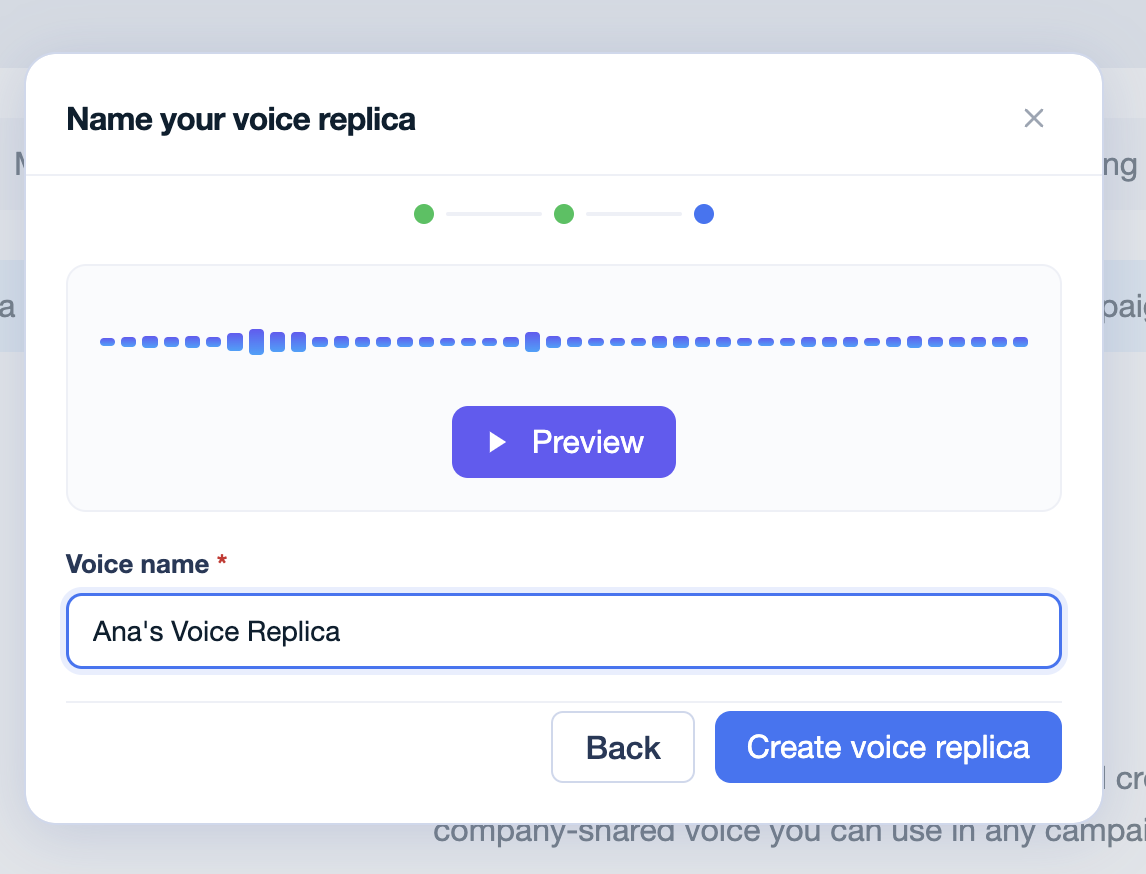
3. Give your replica a name
Please create a name for the replica to differentiate it from other replicas your team creates.
4. Wait for the replica to be built (up to 60 sec).
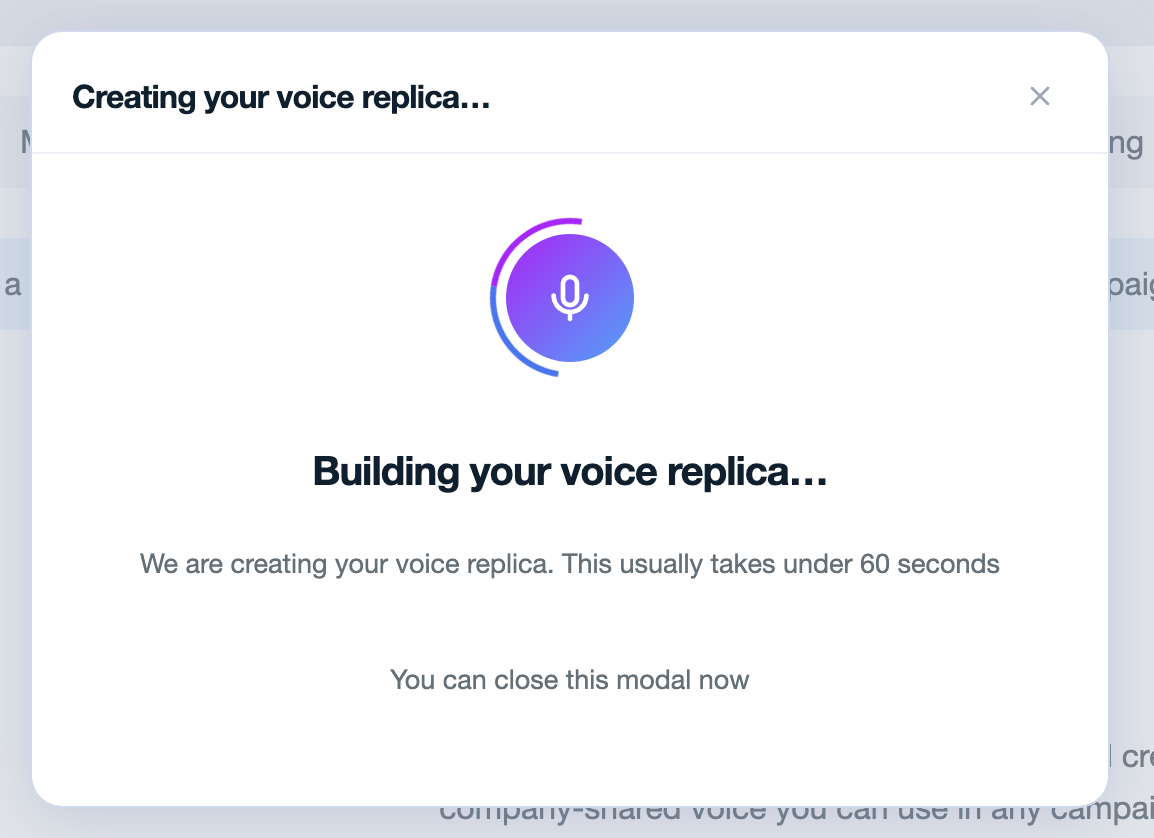
Once it’s ready, click Done.
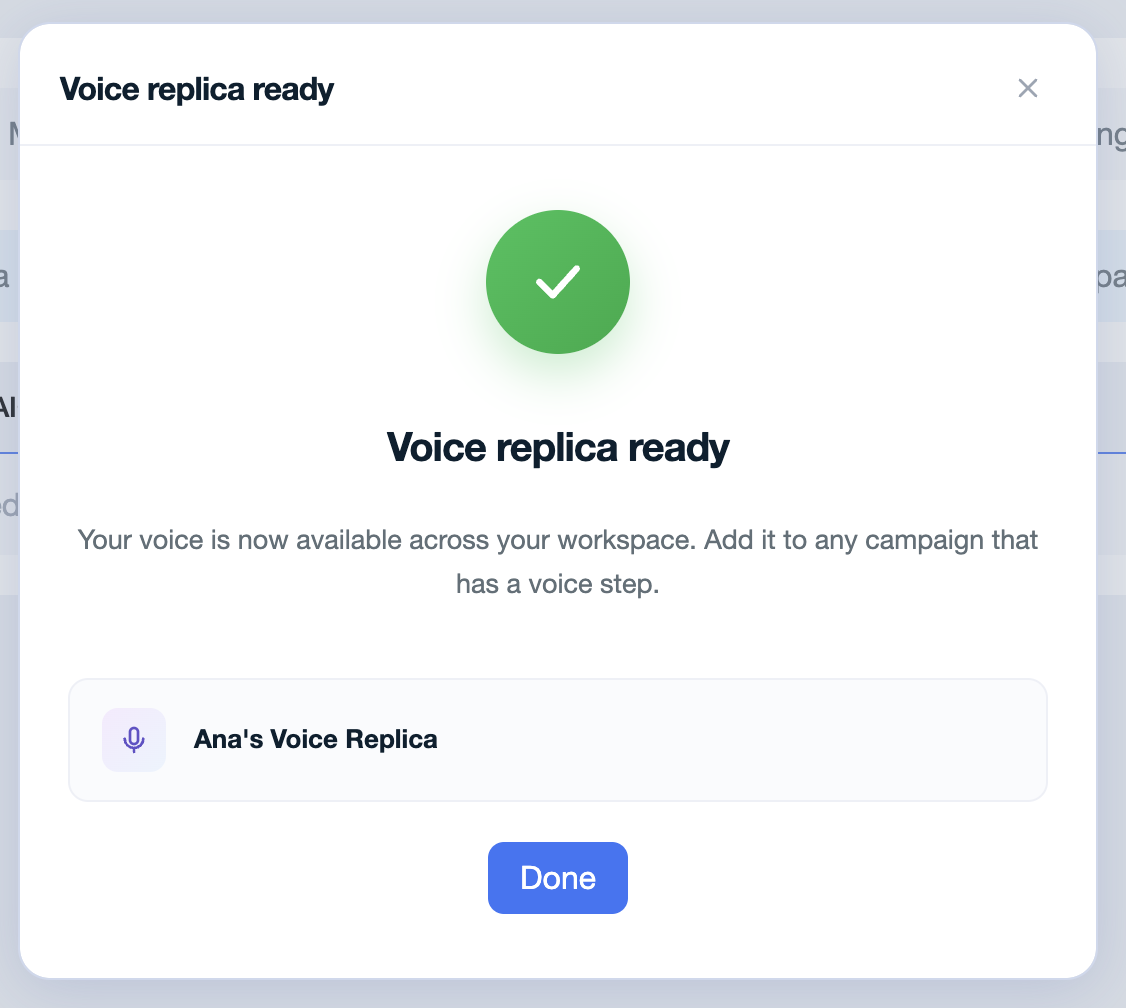
5. You can now start using replica in your campaign sequences.
Add a Voice note step to any LinkedIn sequence and pick your replica from the dropdown; that’s where the magic happens.
Replicas live at the workspace level, so any teammate can pick yours from the same dropdown.