LinkedIn actions that are automated with AiSDR
Last updated: September 29, 2025
Connecting your LinkedIn account to AiSDR unlocks multichannel and LinkedIn-specific automation capabilities. You can build full LinkedIn-only sequences or use LinkedIn as part of a broader outreach strategy - aligned with your campaign’s persona and your outreach goals.
Once your LinkedIn account is connected, AiSDR can execute multiple types of outreach actions designed to mimic natural engagement patterns and drive responses.
🤝 Send Connection Requests
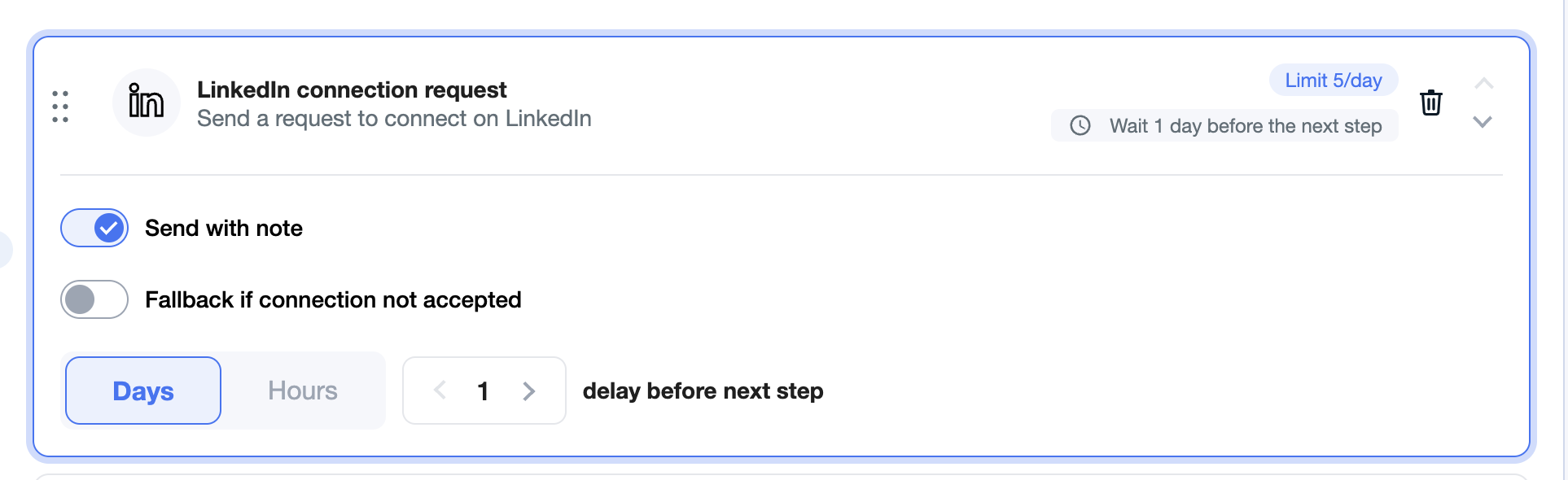
AiSDR can automatically send connection requests to your leads with or without a note.
If a note is included, it is auto-generated using the topics and tone defined in the persona you’ve added to the campaign.
You can control the cadence by setting how many days AiSDR should wait before moving on if a request isn't accepted.
🔁 Fallback Actions for Unaccepted Requests
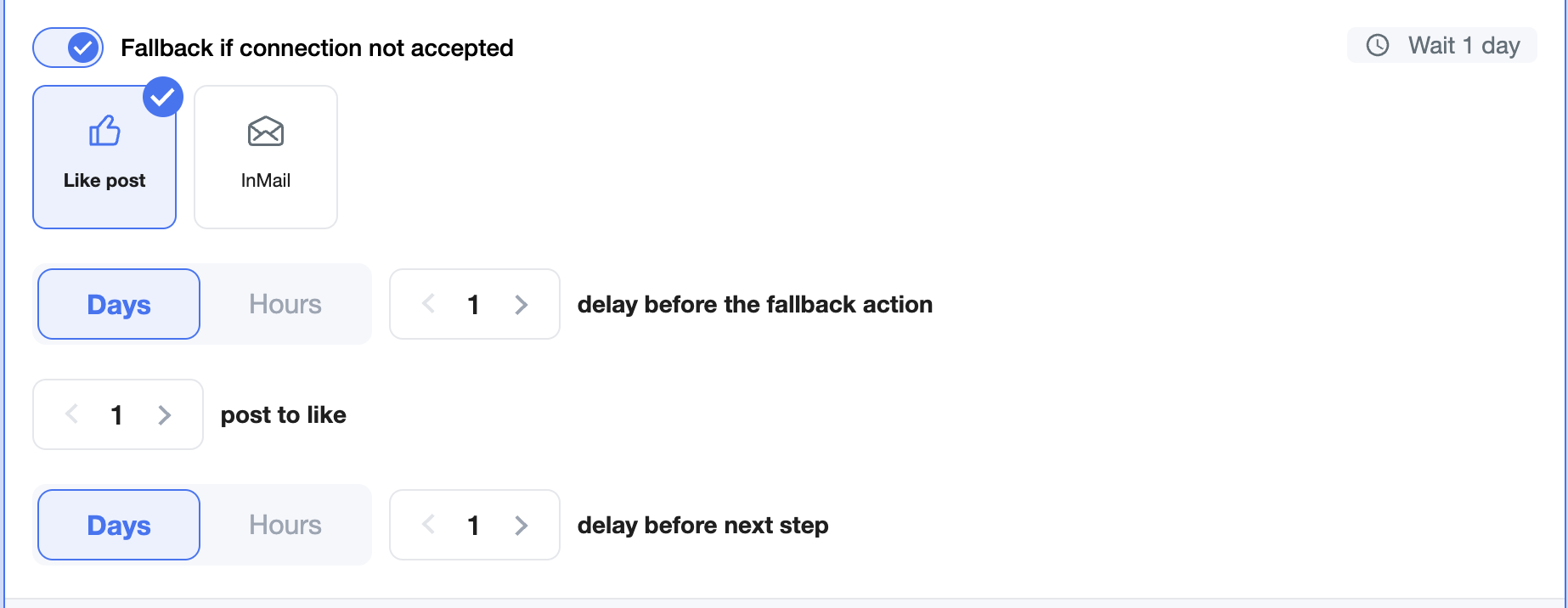
If a connection request isn’t accepted within your chosen timeframe, AiSDR can automatically take a fallback action, such as:
Liking a recent LinkedIn post from the lead
Sending an InMail (if you're on LinkedIn Premium)
❓What Happens If I Don’t Choose a Fallback?
If no fallback action is selected and lead doesn't accept the invitation, AiSDR will skip the LinkedIn steps and continue with the next available steps in your campaign sequence.
💬 Message After Connection is Accepted
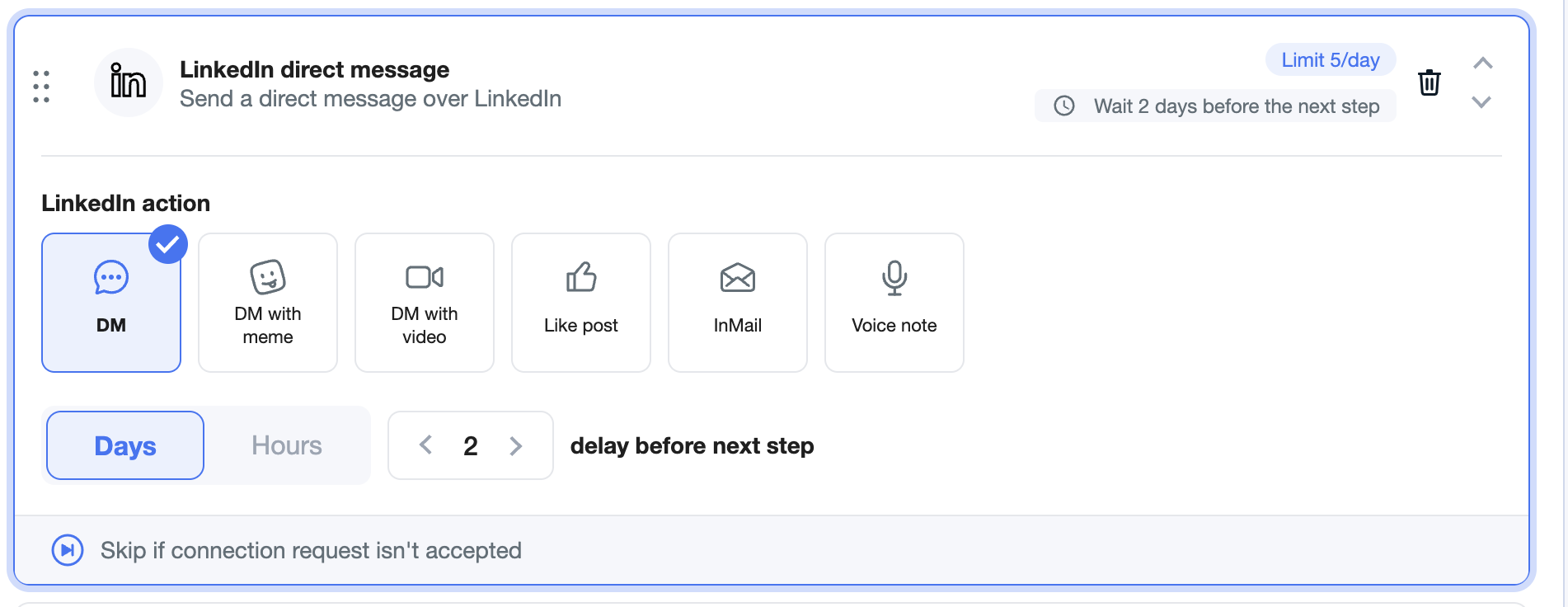
Once a lead accepts your connection request, AiSDR can send a follow-up LinkedIn direct message (DM) to start the conversation. This message is also personalized based on your campaign persona.
Supported Message Formats:
✉ Text-only DM
😄 DM with meme
📹 DM with video replica (available on request - ask your CSM)
🔊 DM with voice note (available on request - ask your CSM)
💼 LinkedIn InMail (for Premium accounts)
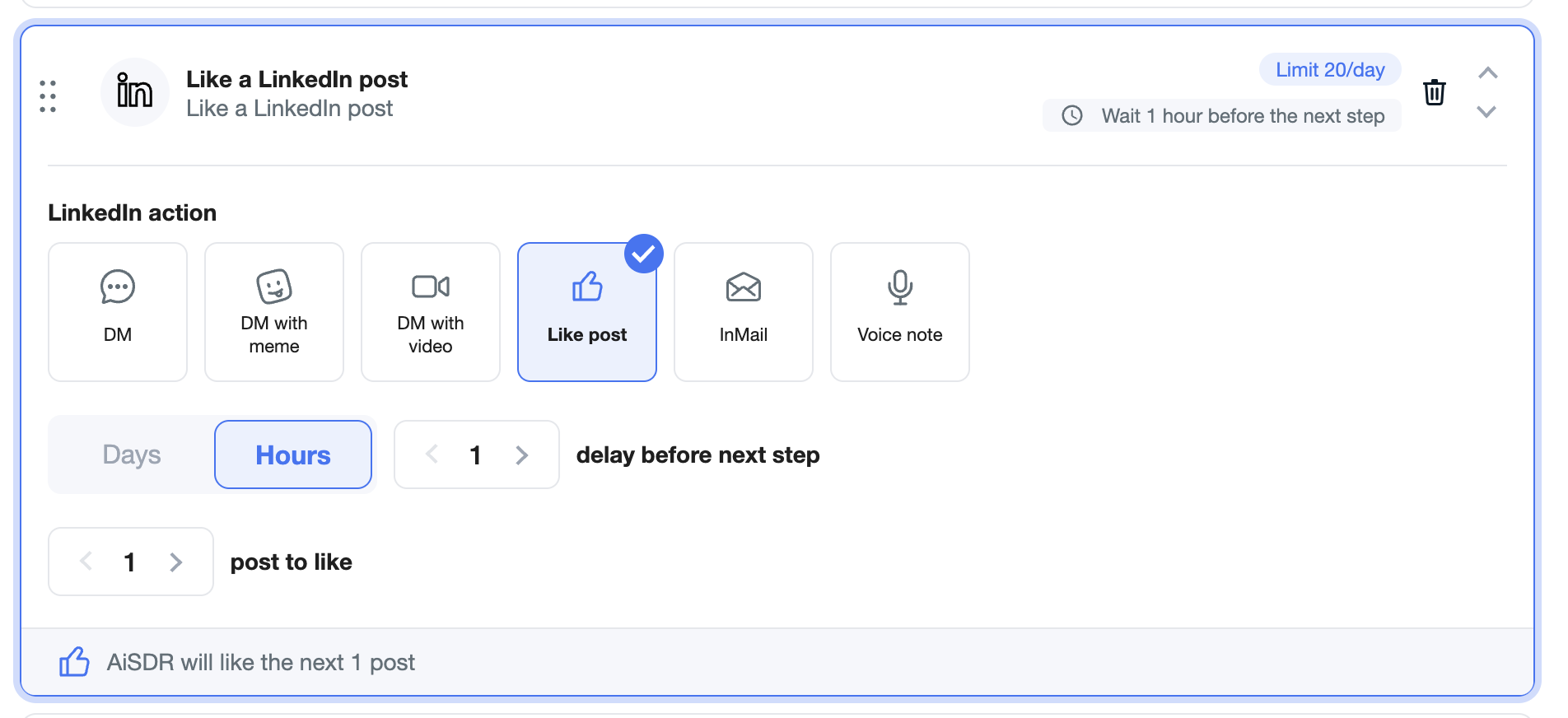
👍 Post Engagement (Optional)
You can also configure AiSDR to like posts on your leads' LinkedIn profiles as part of the outreach flow. These post likes are unlimited and help build warmer touchpoints.