How to Disconnect the LinkedIn account from AiSDR?
Last updated: February 4, 2026
If you’ve previously linked your LinkedIn account to AiSDR and would like to remove the connection, follow the simple steps below.
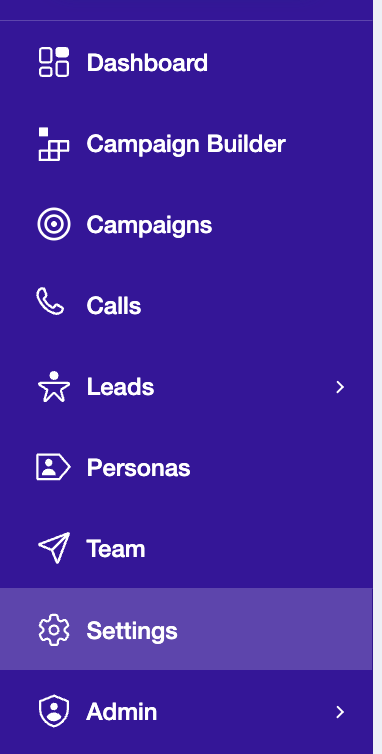
Step 1: Go to Settings
Open your AiSDR dashboard and click on Settings in the sidebar.
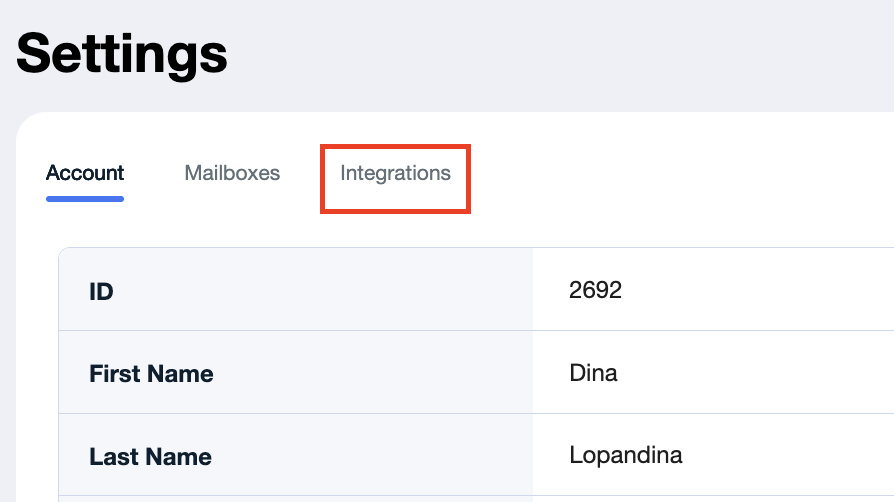
Step 2: Click on Integrations
In the Settings menu, select the Integrations tab to view all available app connections
Step 3: Scroll Down to LinkedIn
Scroll through the integrations list until you find LinkedIn.
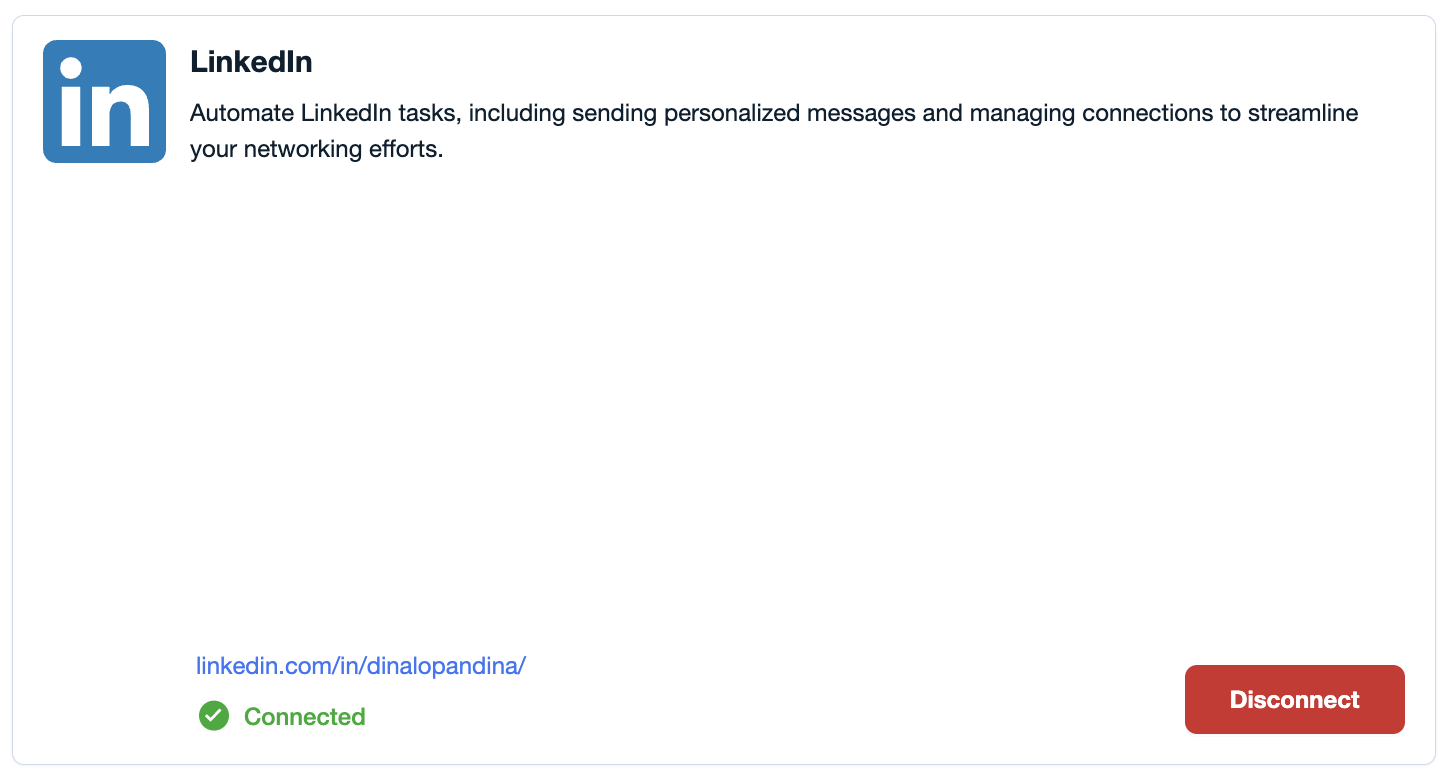
Step 4: Click Disconnect
Click the Disconnect button next to LinkedIn to remove the integration.
Step 5: Done!
Your LinkedIn account has now been successfully disconnected from AiSDR.
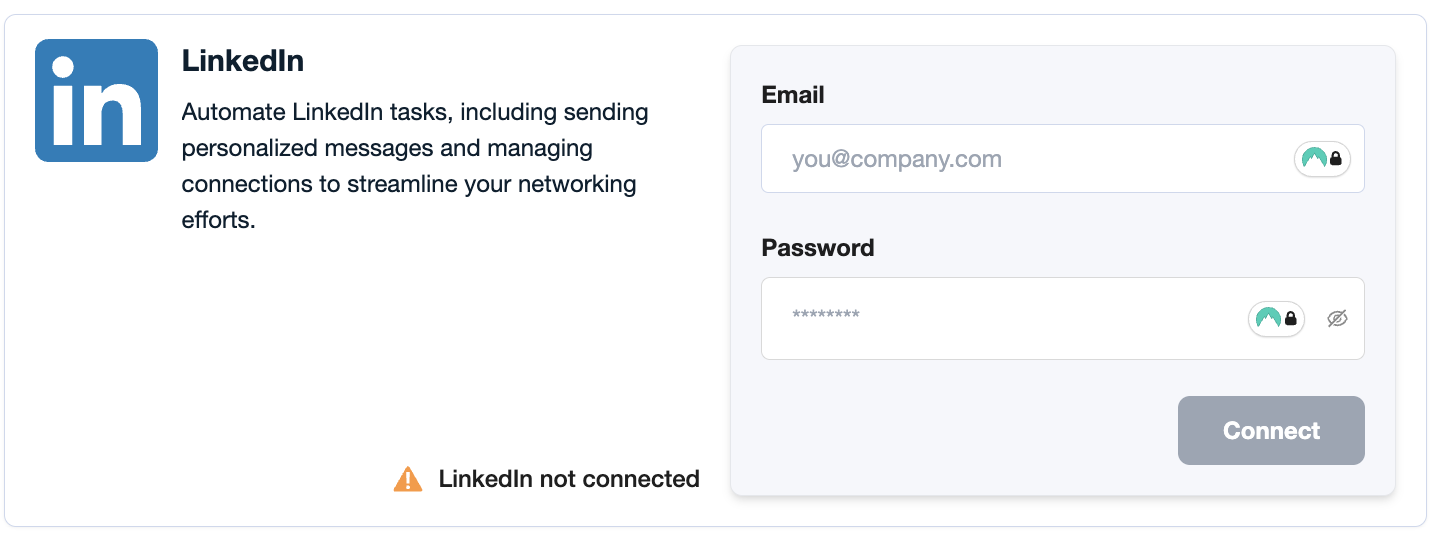
Please note that you can disconnect your LinkedIn profile only if it is not associated with any campaign. If the profile has already been used in at least one campaign, please contact your dedicated manager for assistance with removing it.