How to see who opened the emails?
Last updated: September 7, 2026
If open rate tracking is enabled, you can check which leads opened your emails in the Latest Events section.
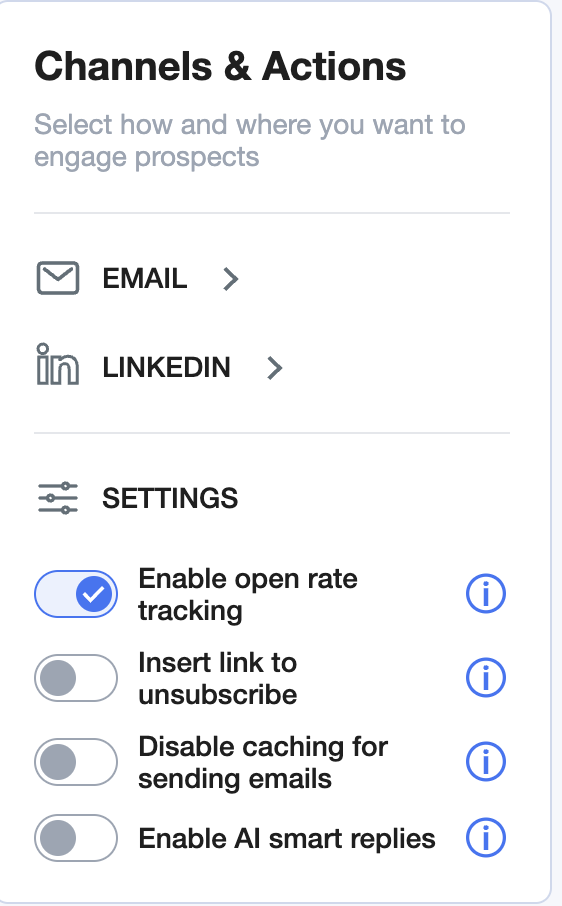
How to check opens
Open your active campaign page.
Click on the Outreach button.
Use the event filter and select Opened.
Here you’ll see exactly which emails were opened and by whom.

There’s currently no automatic export for opened leads.