Step-by-step guide: How to Set Up a Cold Outreach Campaign in AiSDR
Last updated: August 31, 2026
Follow these easy steps and you'll be sending emails and LinkedIn messages like a pro in no time! 🚀
Step 1: Start with the Campaign Builder
Head over to AiSDR's Campaign Builder.
Select your preferred Data Source.
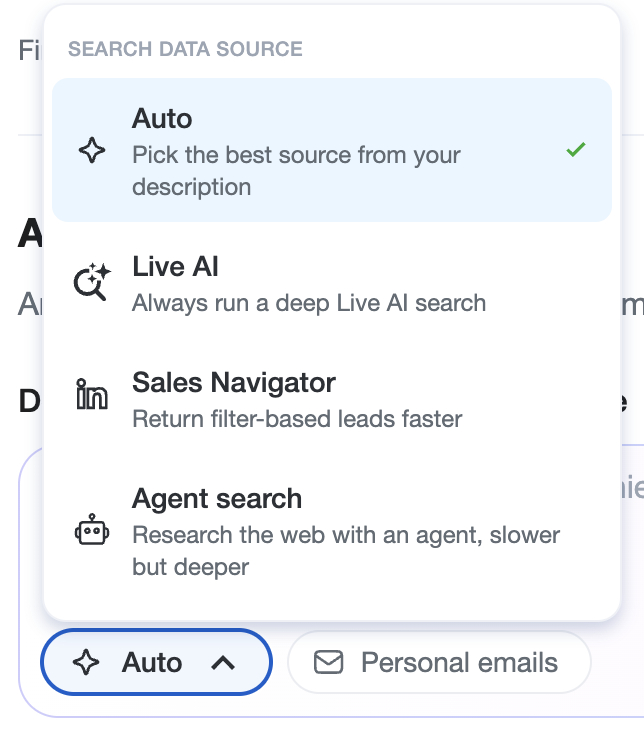
Describe your audience with plain text.
Choose how many leads per search and per company you'd like to see and click the Search button.
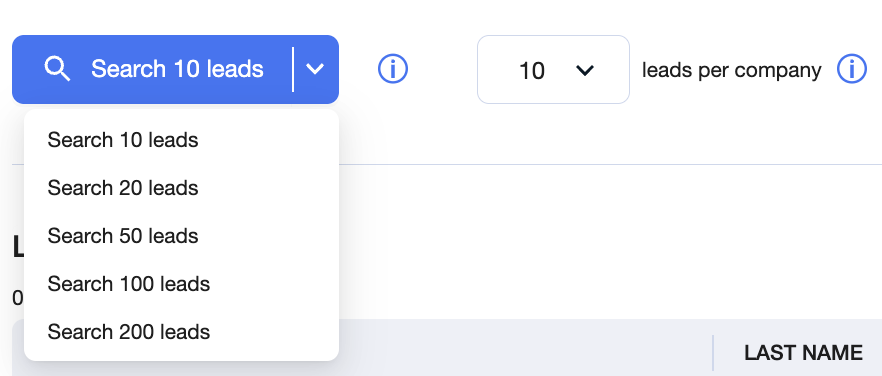
Please wait until AiSDR gathers leads matching your criteria, this might take a moment.
📄 How to Find the Right Audience for Cold Outreach (Without Guessing at Databases)
Step 2: Add Leads to Your Campaign
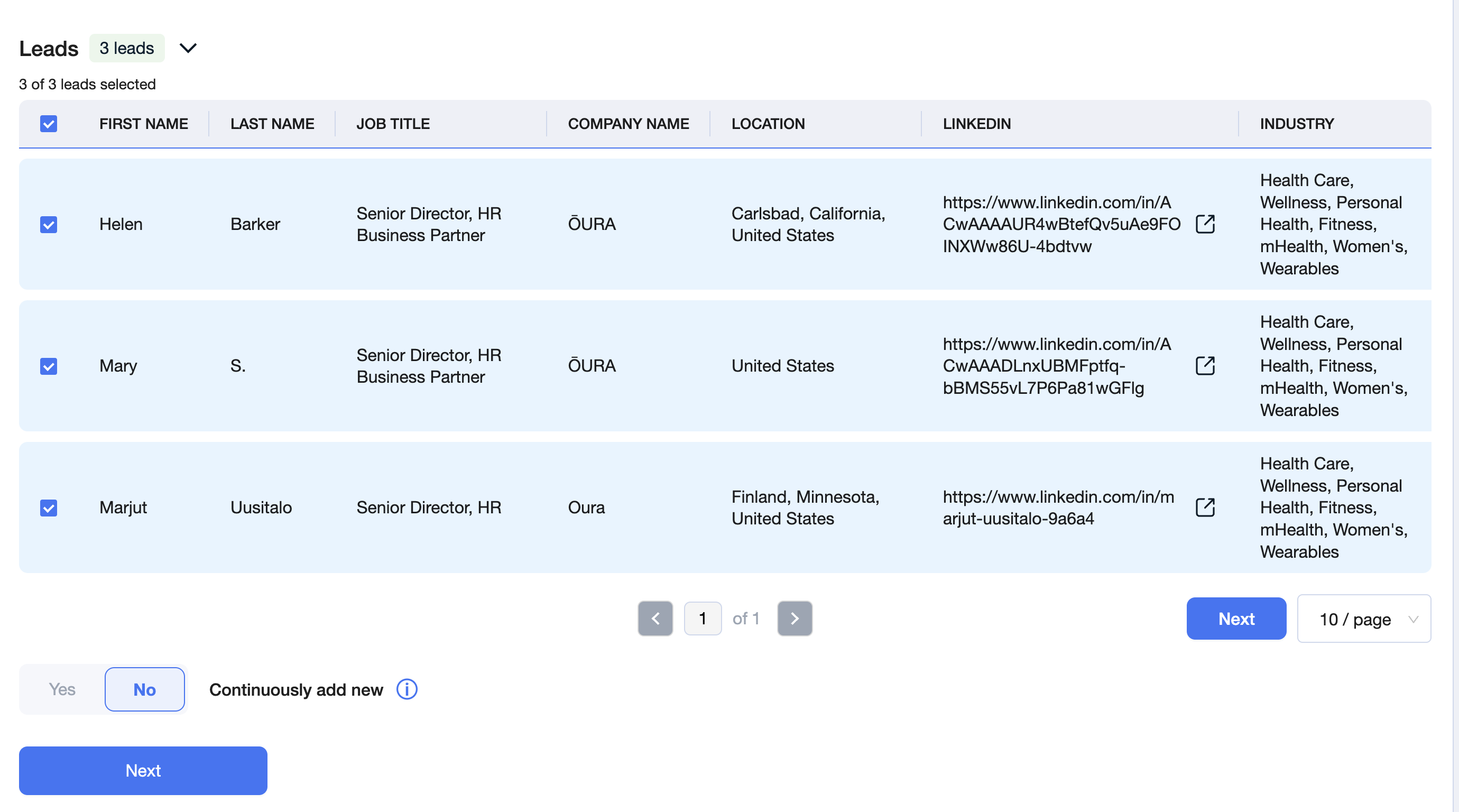
After AiSDR serves up your matched leads, select those you'd like to target and add them to your campaign by clicking on the 'Next' button.
Want to keep things fresh? Enable the Continuously add new option, and AiSDR will automatically add new leads based on your selected filters while your campaign is active.
But wait, you're not done yet - let's complete the setup!
Step 3: Crafting Your Campaign
Here's what you need to do next:
Select a Messaging: Choose a messaging style that resonates with your leads.
📄 How to create a Messaging Framework

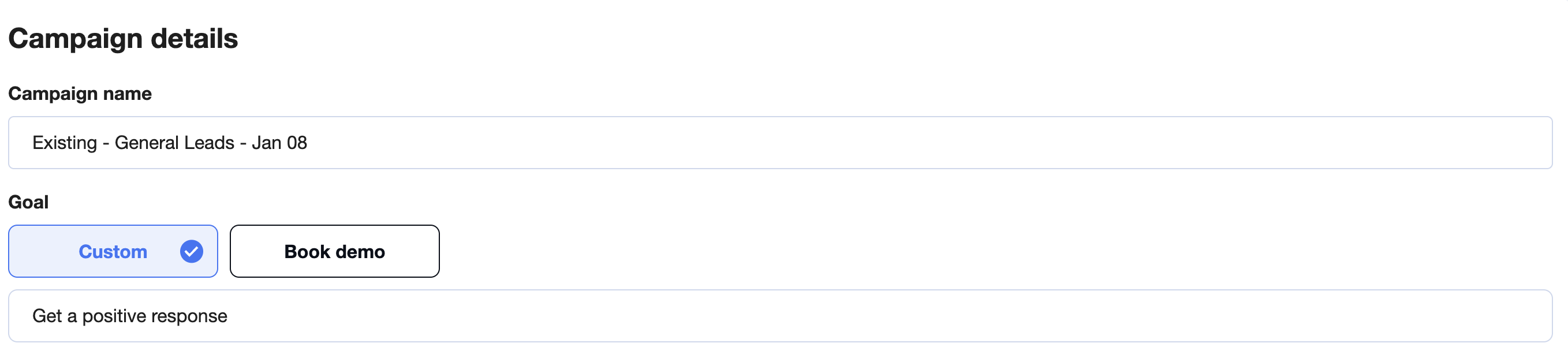
Name Your Campaign and Set a Goal
Build Your Sequence: Pick how many emails and LinkedIn messages you'll send and decide their order. Mix and match to your heart's content.
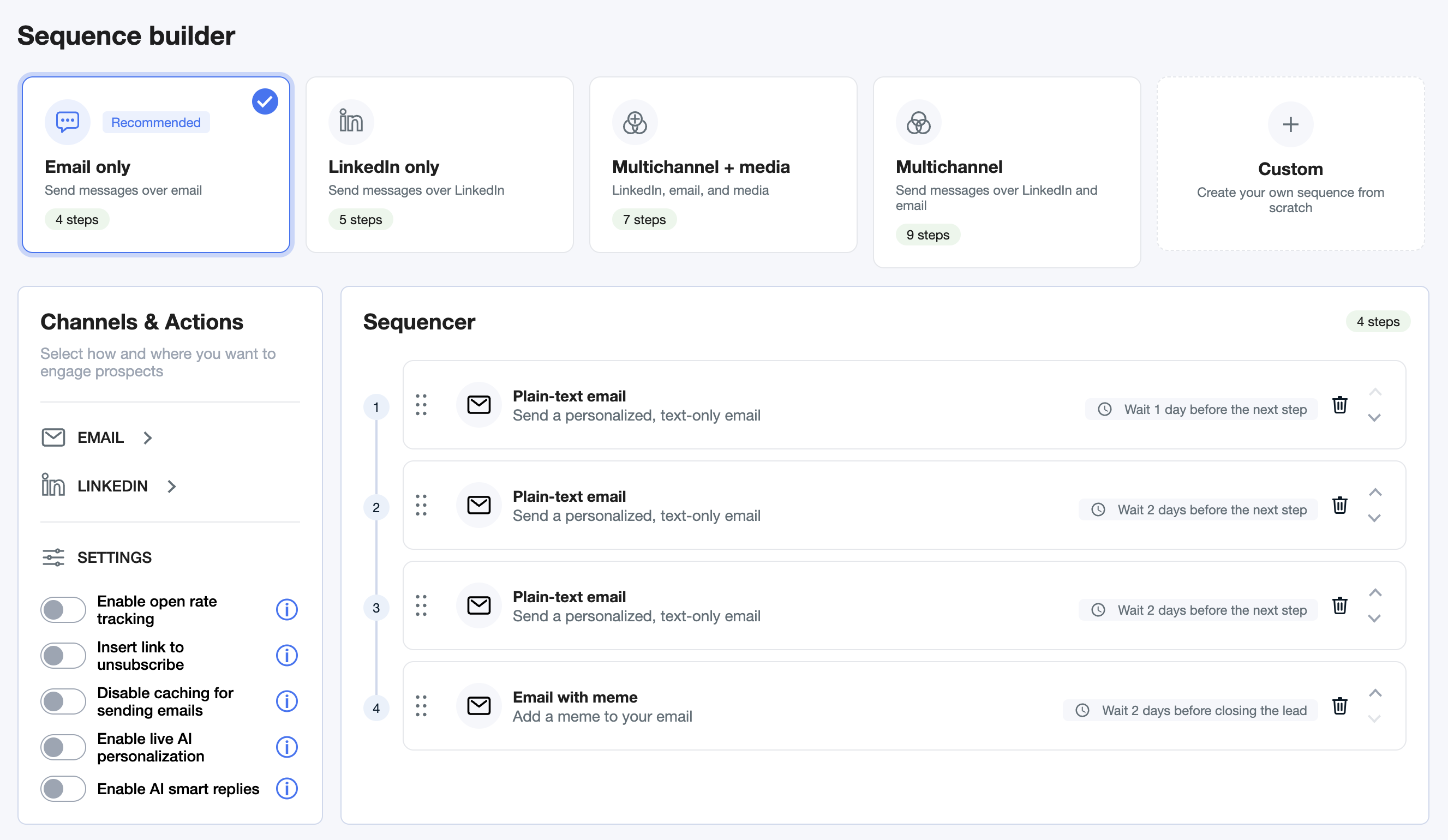
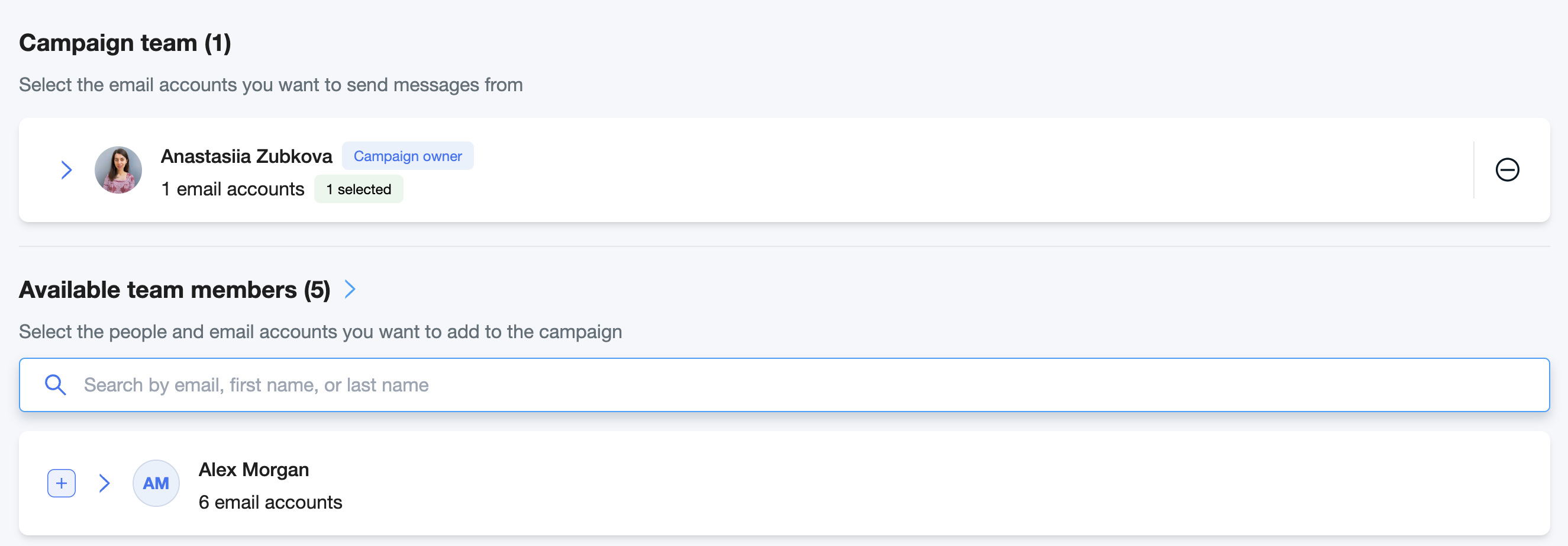
Choose Senders: Select the email addresses your campaign messages will come from:
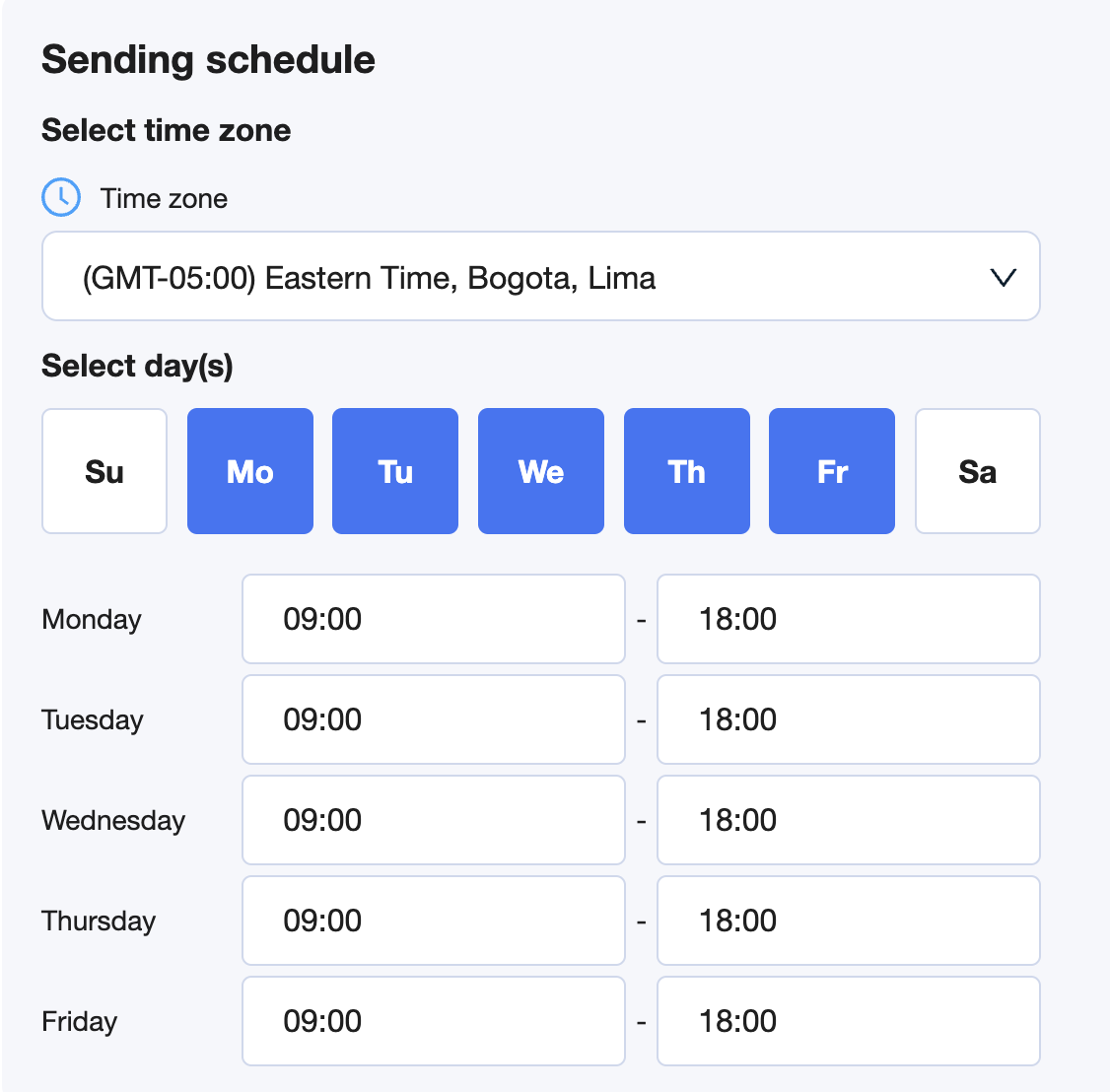
Set the Time Zone: Choose the time zone that'll determine when your messages hit inboxes (hint: match this to your leads' location for maximum impact).
Hit the Preview Sequence button.

Step 4: Launch Your Campaign
Boom! 💥 You've created your campaign, but it’s not live yet. Take a deep breath, review your setup, and when you're confident, click Start to unleash your outreach campaign into the wild!

And... you're done! 🎉
You've just set up a cold outreach campaign in AiSDR. Now watch as the magic happens and your leads start rolling in!